Apteco Mission Field Guide Schedule Time with an Apteco Architect Play with a Live System

The 15+ insights

Each one is a field a good fundraising system works out for every supporter, from records your CRM already keeps. Each card below shows its formula.

With a page of their own

The ones that take more explaining, or that people search for by name.

Their cards in the Field Guide

Each card, opened, with its formula shown.
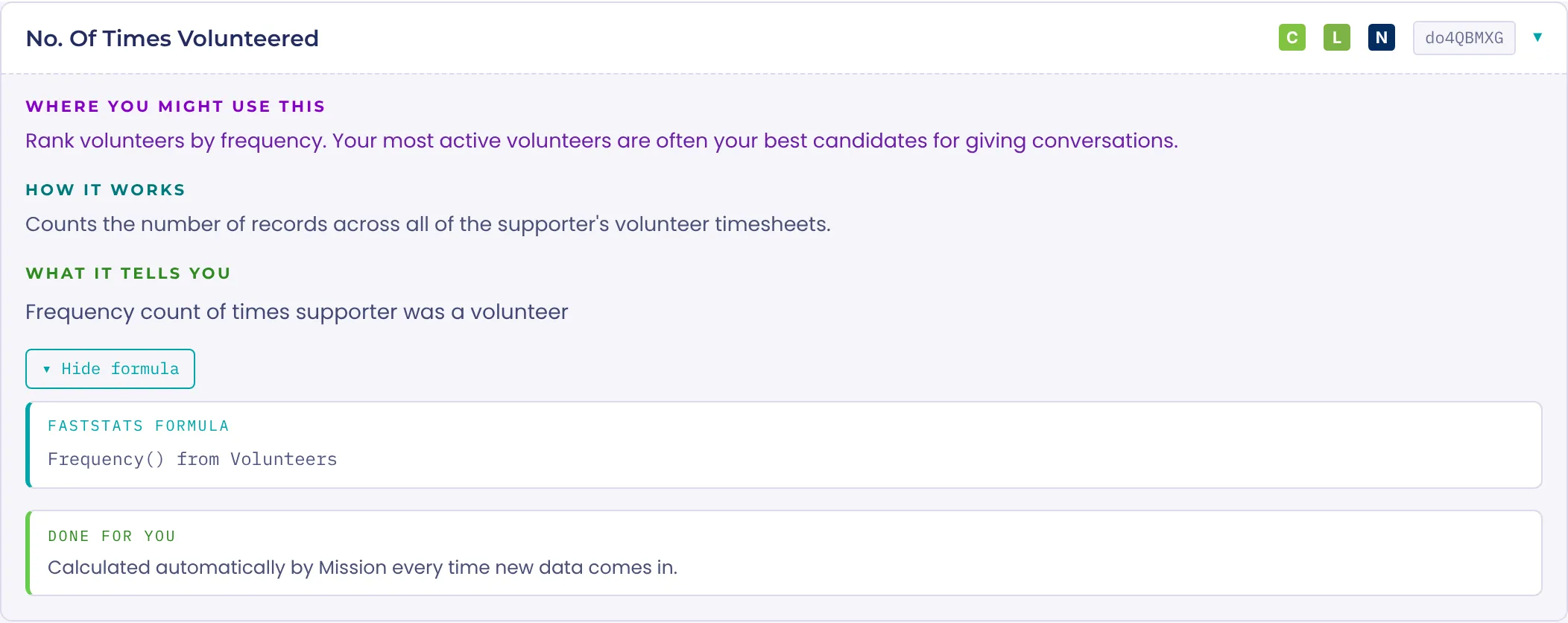
No. of Times Volunteered, as the Apteco Mission Field Guide shows it, with its formula.
No. of Times Volunteered Its card in the Field Guide, with the formula shown.
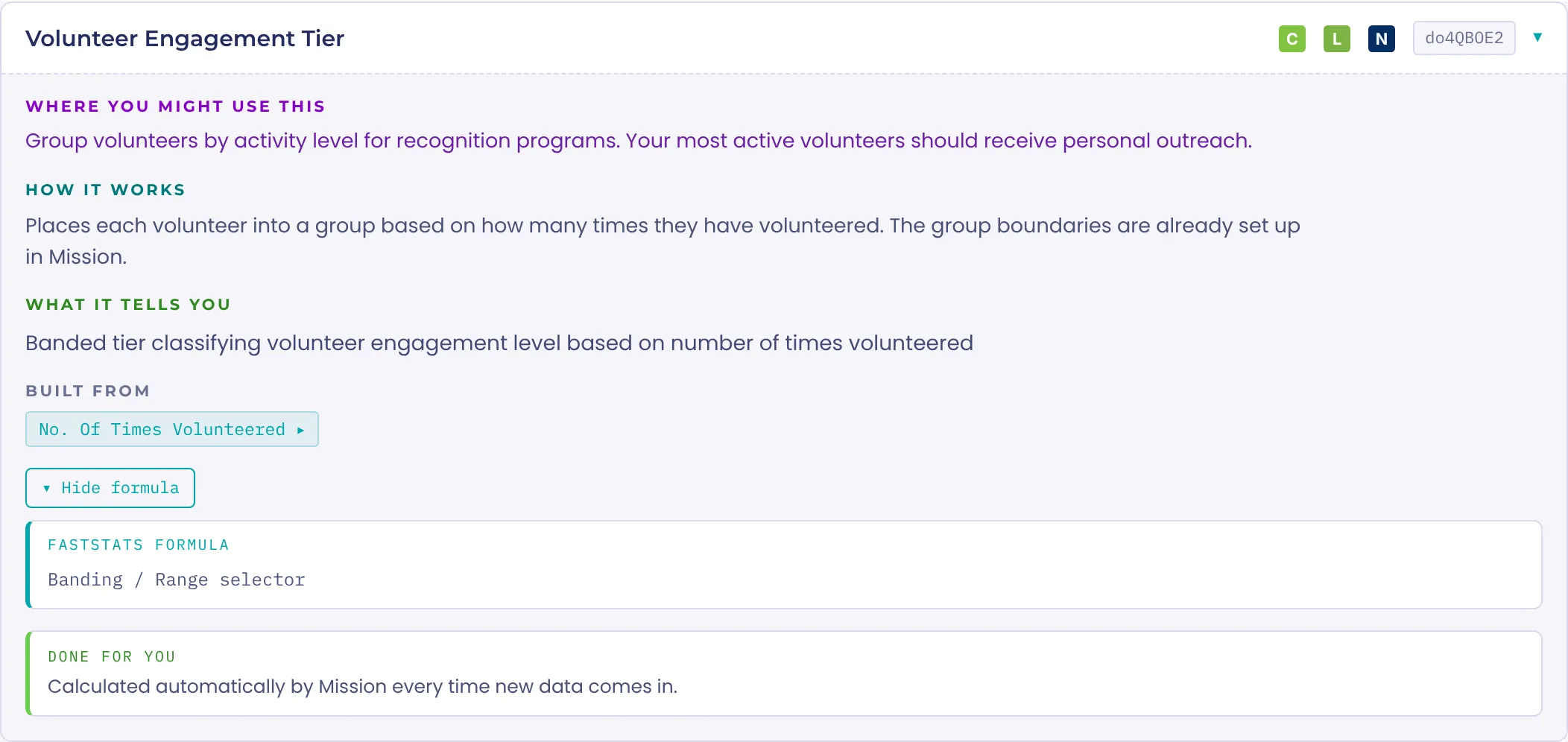
Volunteer Engagement Tier, as the Apteco Mission Field Guide shows it, with its formula.
Volunteer Engagement Tier Its card in the Field Guide, with the formula shown.
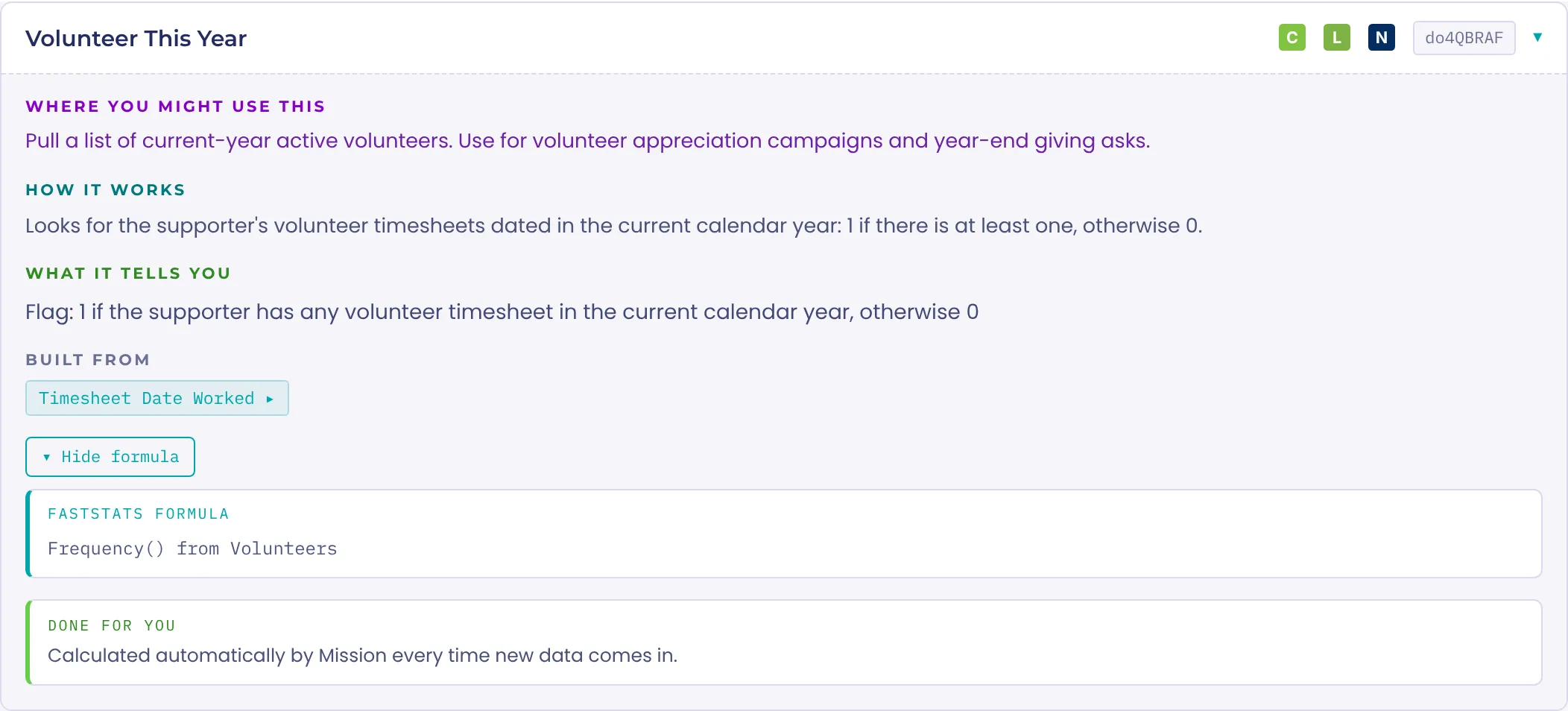
Volunteer This Year, as the Apteco Mission Field Guide shows it, with its formula.
Volunteer This Year Its card in the Field Guide, with the formula shown.
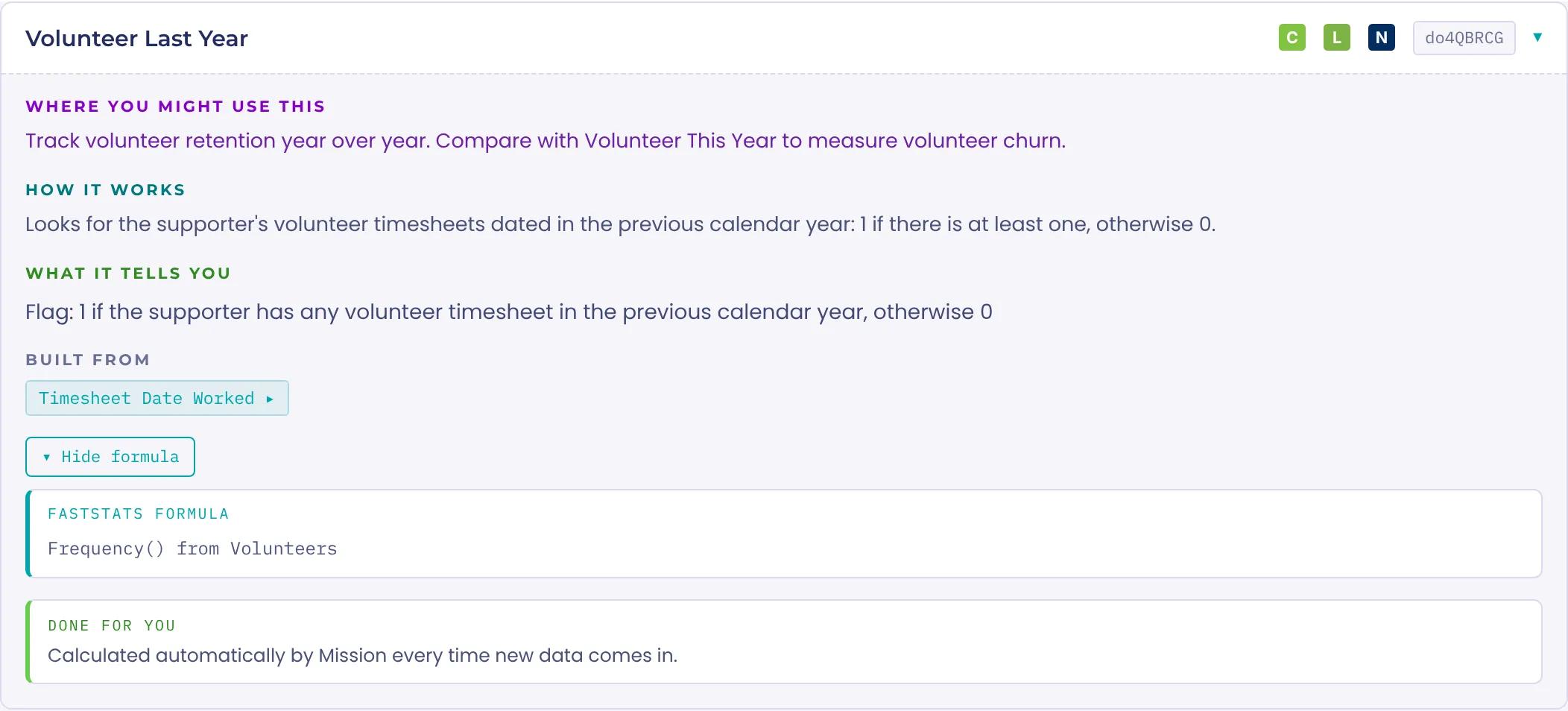
Volunteer Last Year, as the Apteco Mission Field Guide shows it, with its formula.
Volunteer Last Year Its card in the Field Guide, with the formula shown.
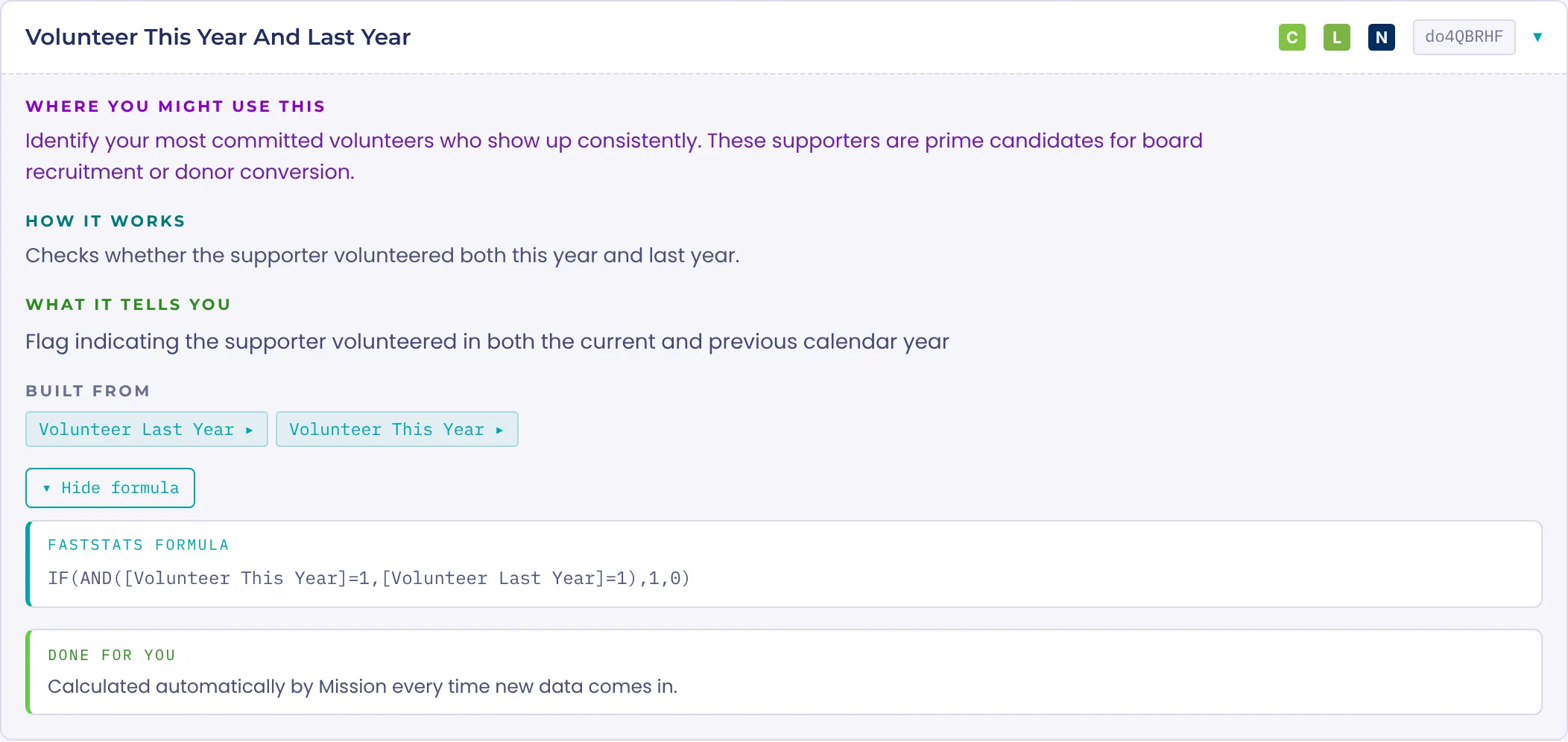
Volunteer This Year and Last Year, as the Apteco Mission Field Guide shows it, with its formula.
Volunteer This Year and Last Year Its card in the Field Guide, with the formula shown.
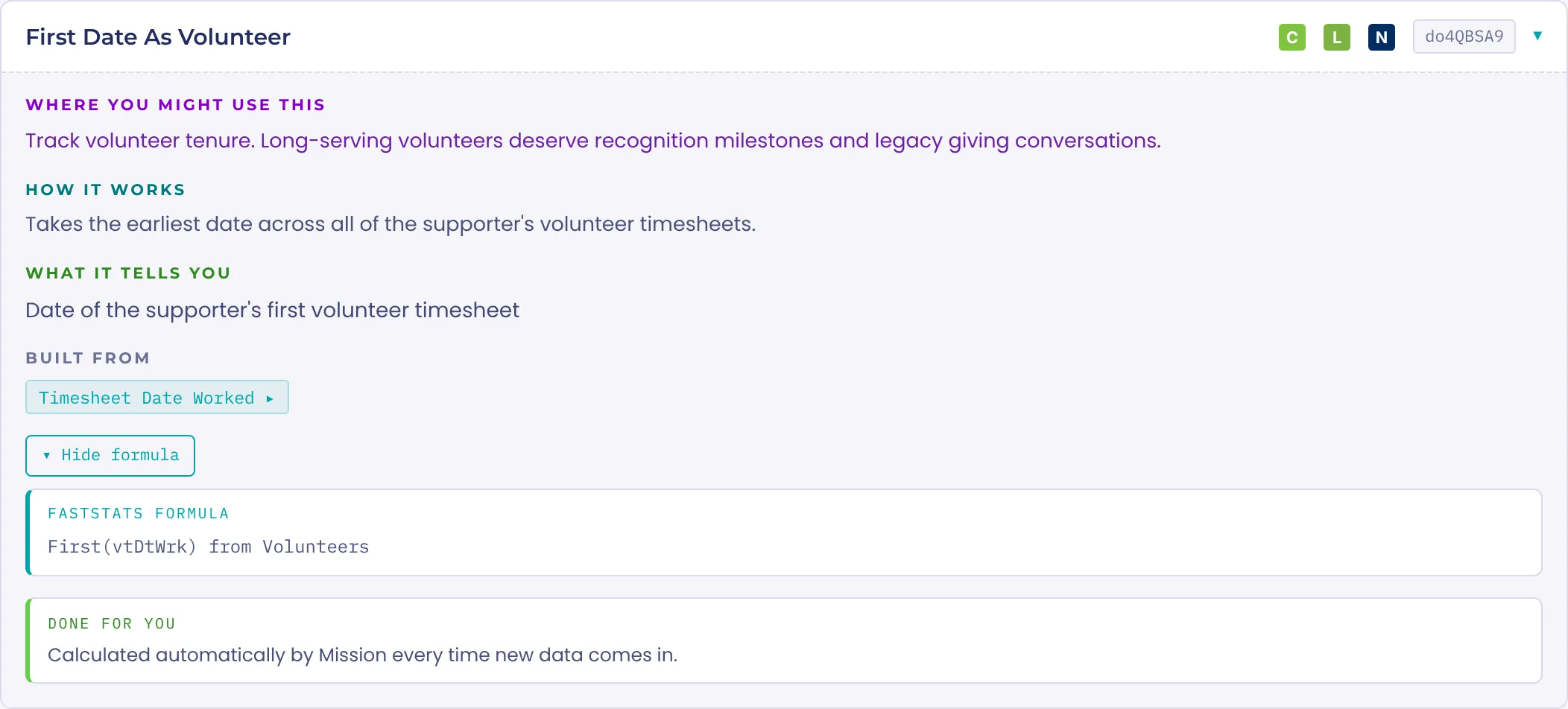
First Date as Volunteer, as the Apteco Mission Field Guide shows it, with its formula.
First Date as Volunteer Its card in the Field Guide, with the formula shown.
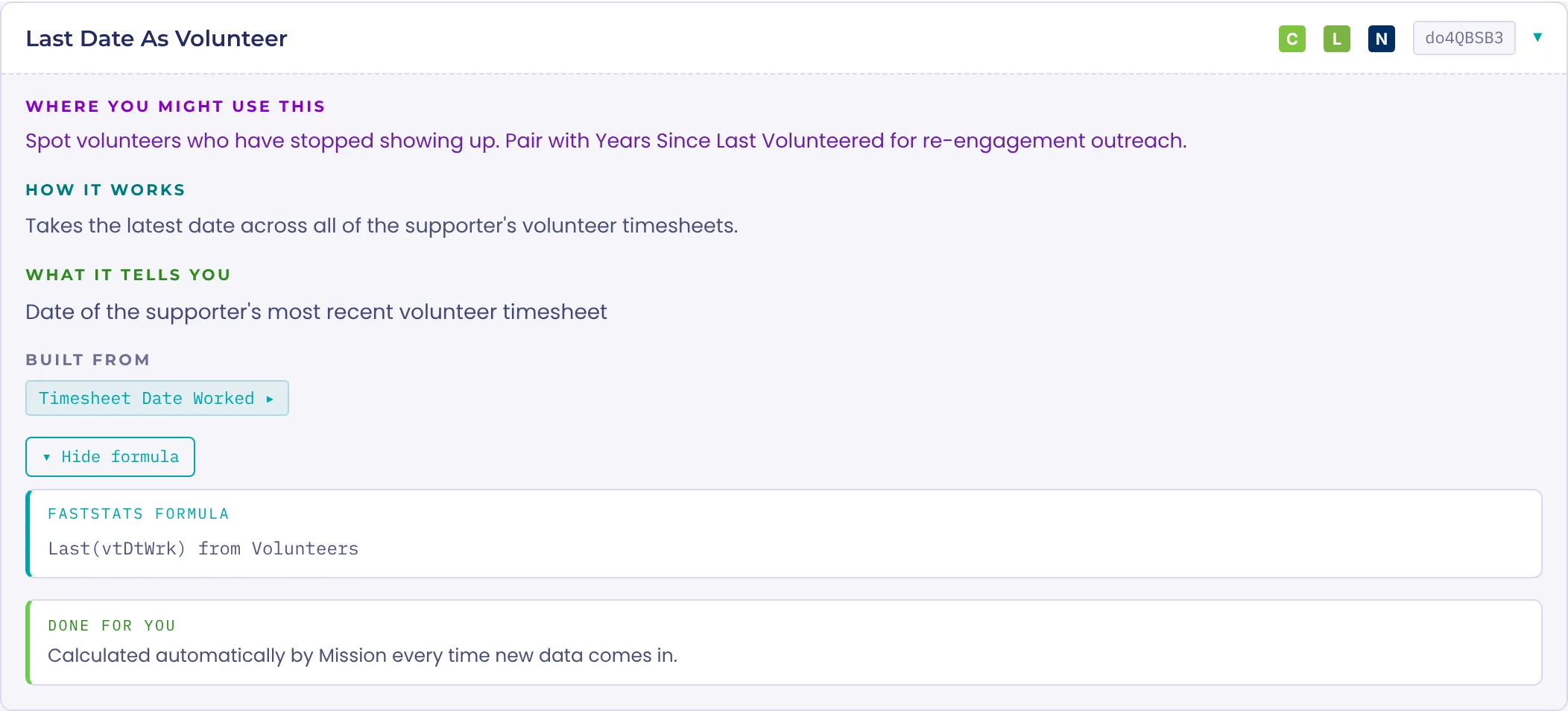
Last Date as Volunteer, as the Apteco Mission Field Guide shows it, with its formula.
Last Date as Volunteer Its card in the Field Guide, with the formula shown.
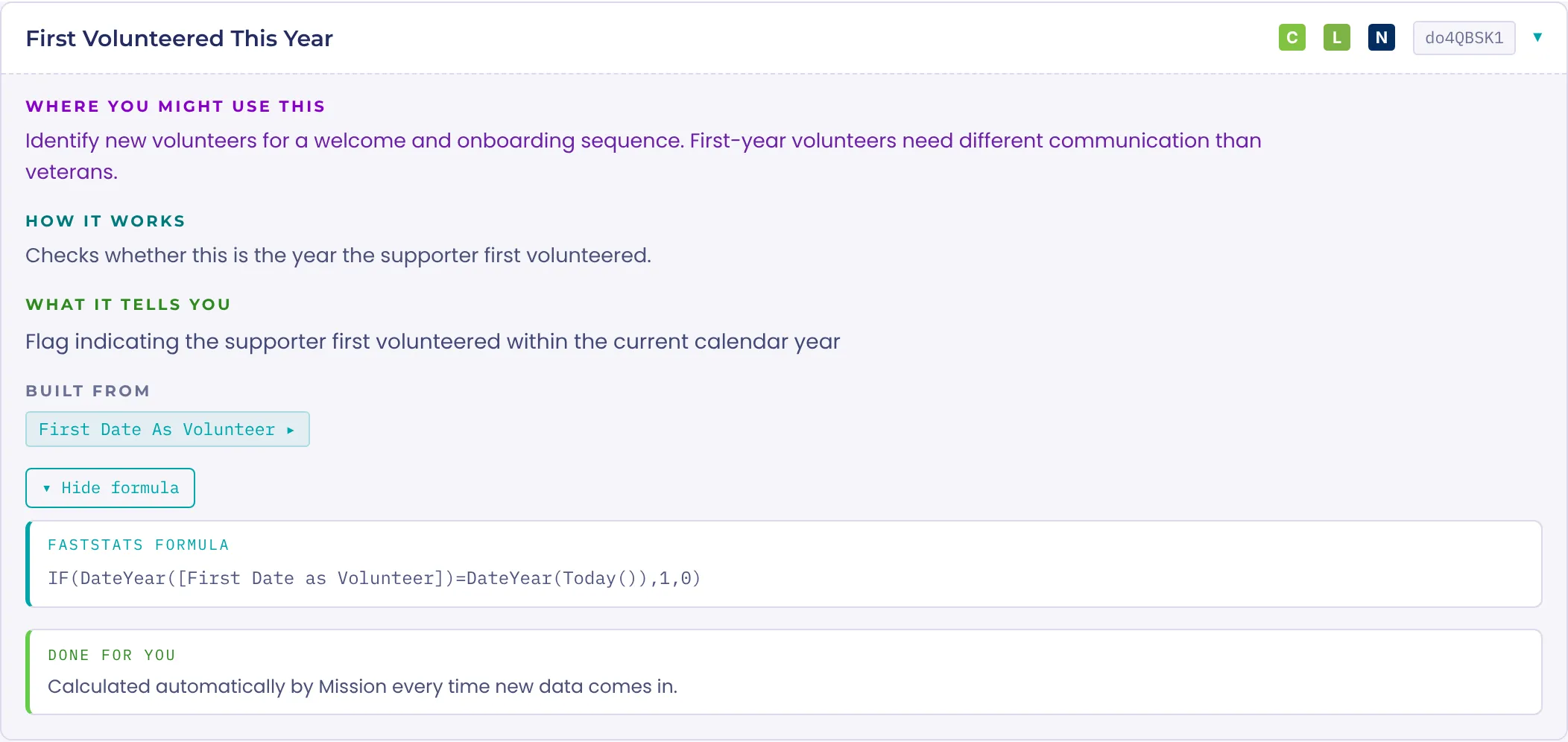
First Volunteered This Year, as the Apteco Mission Field Guide shows it, with its formula.
First Volunteered This Year Its card in the Field Guide, with the formula shown.
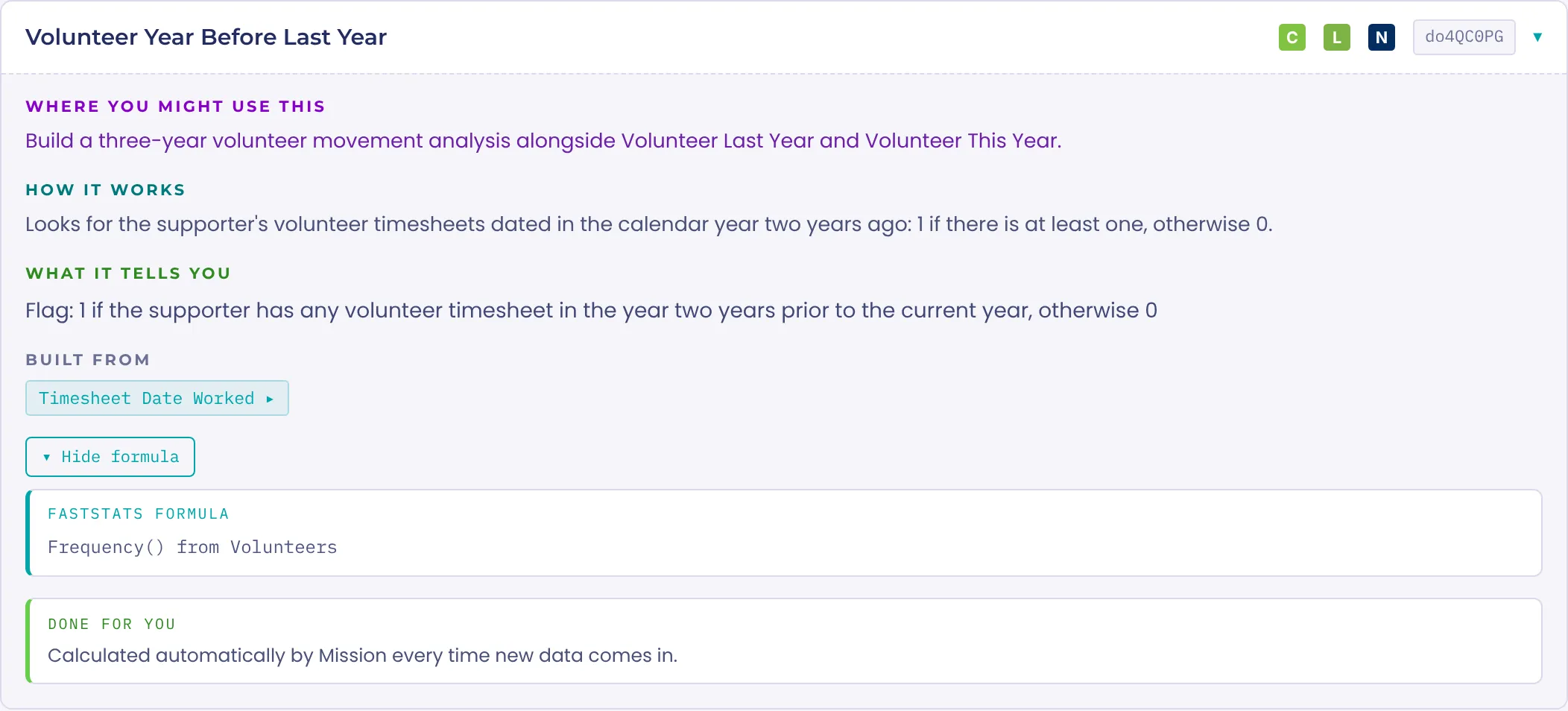
Volunteer Year Before Last Year, as the Apteco Mission Field Guide shows it, with its formula.
Volunteer Year Before Last Year Its card in the Field Guide, with the formula shown.
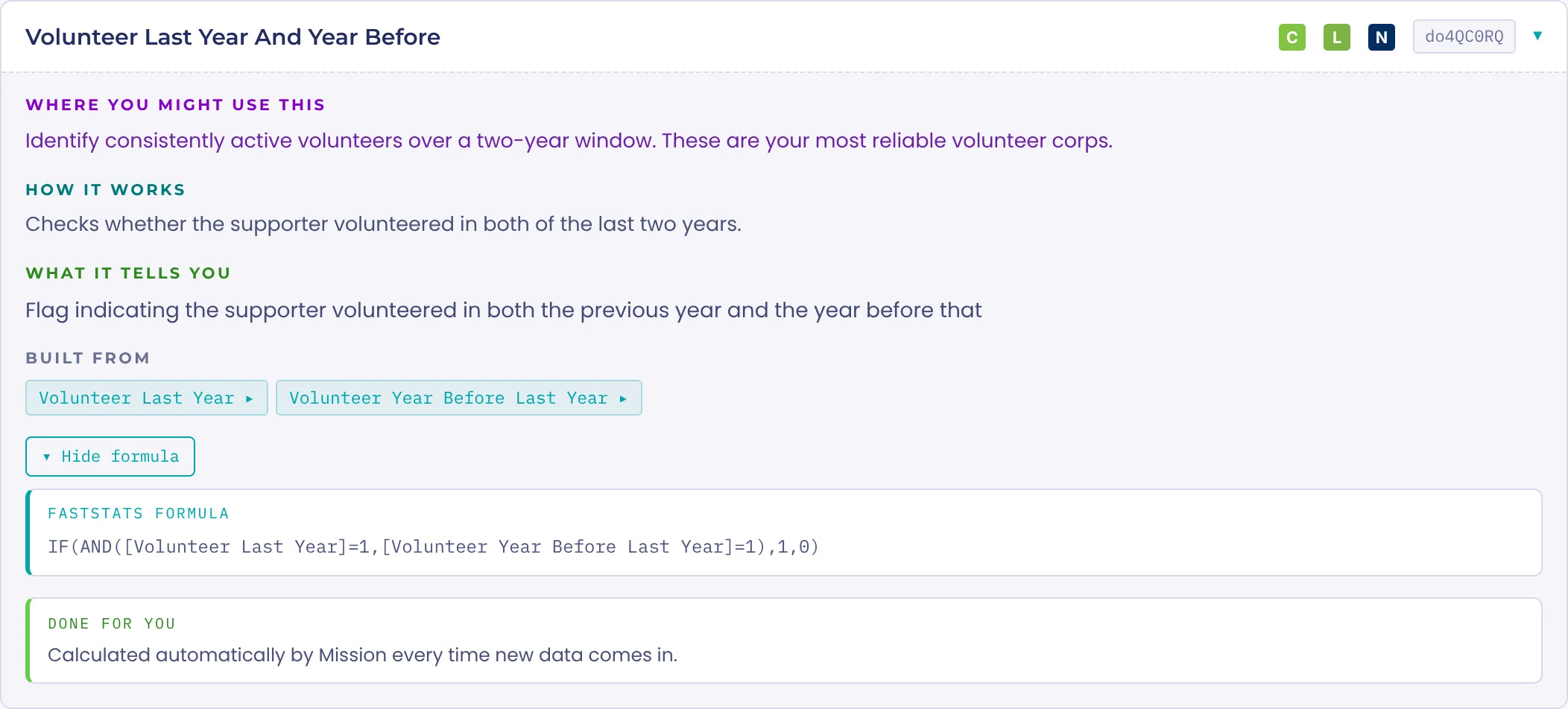
Volunteer Last Year and Year Before, as the Apteco Mission Field Guide shows it, with its formula.
Volunteer Last Year and Year Before Its card in the Field Guide, with the formula shown.
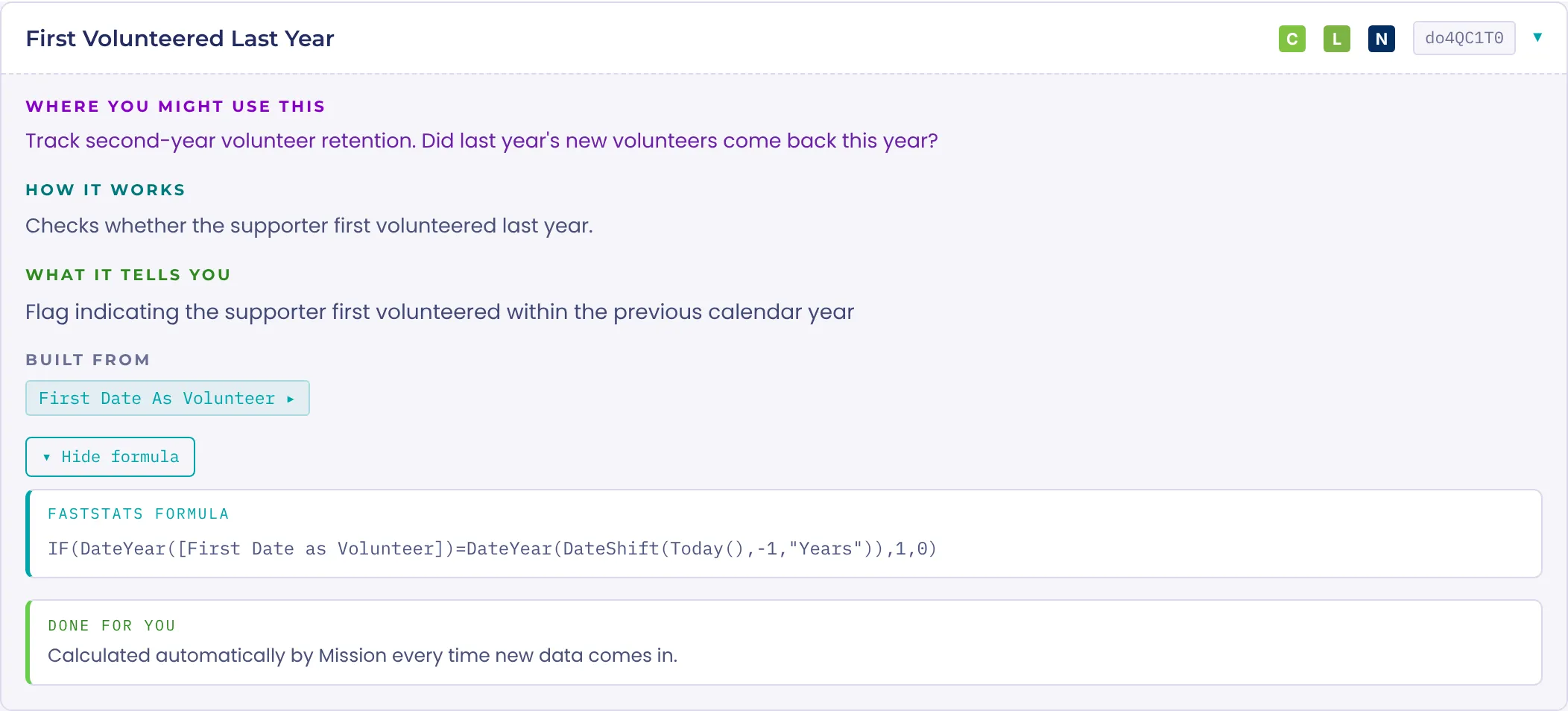
First Volunteered Last Year, as the Apteco Mission Field Guide shows it, with its formula.
First Volunteered Last Year Its card in the Field Guide, with the formula shown.
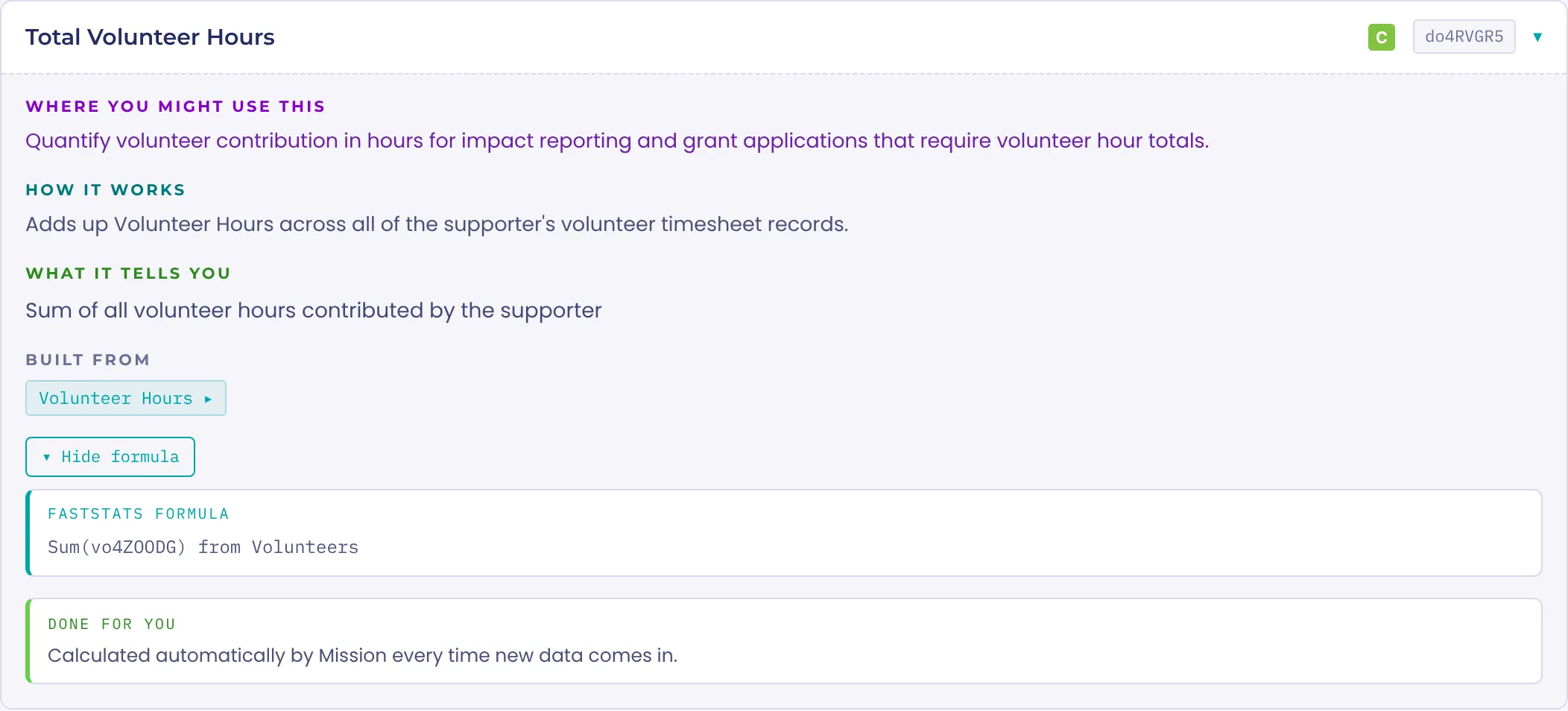
Total Volunteer Hours, as the Apteco Mission Field Guide shows it, with its formula.
Total Volunteer Hours Its card in the Field Guide, with the formula shown.
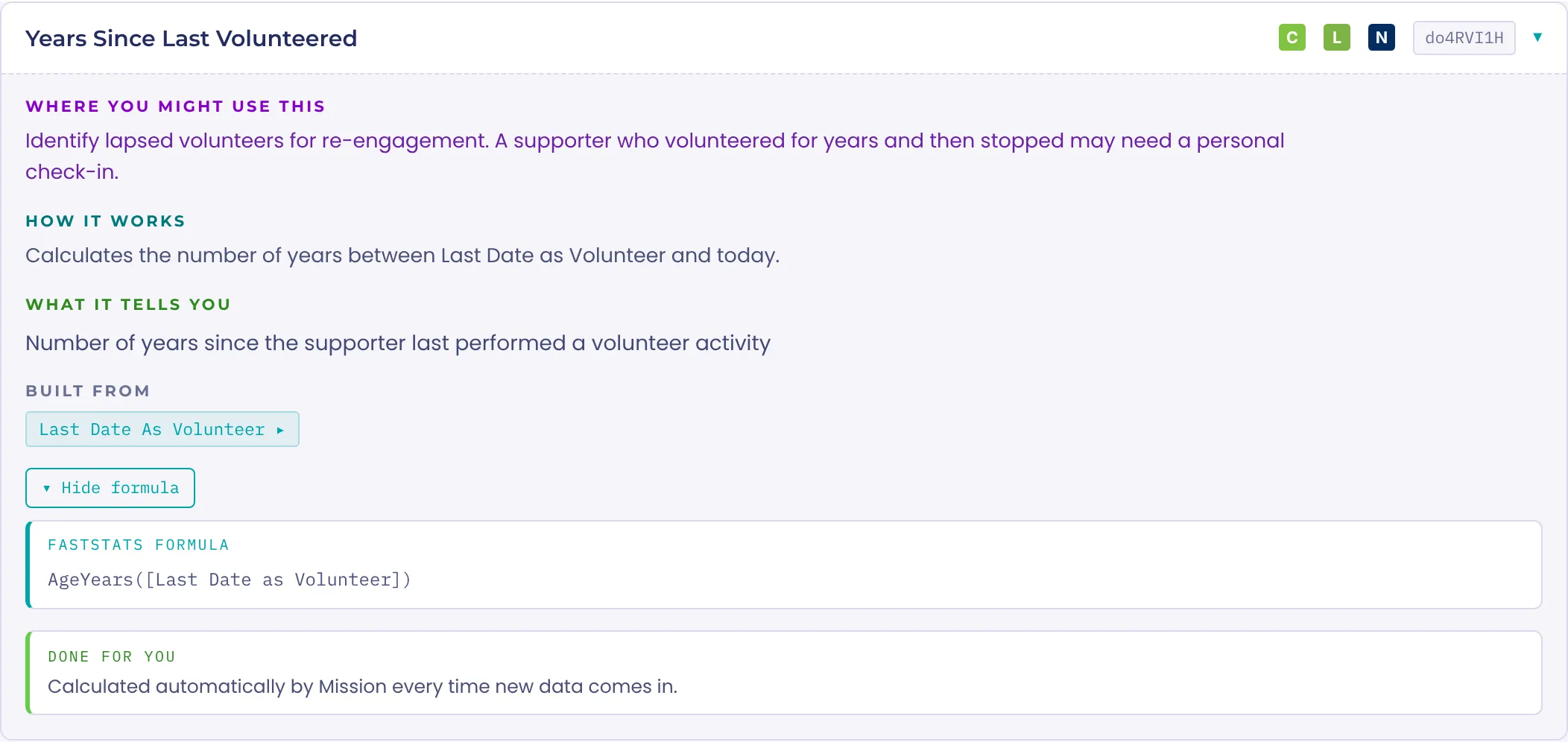
Years Since Last Volunteered, as the Apteco Mission Field Guide shows it, with its formula.
Years Since Last Volunteered Its card in the Field Guide, with the formula shown.
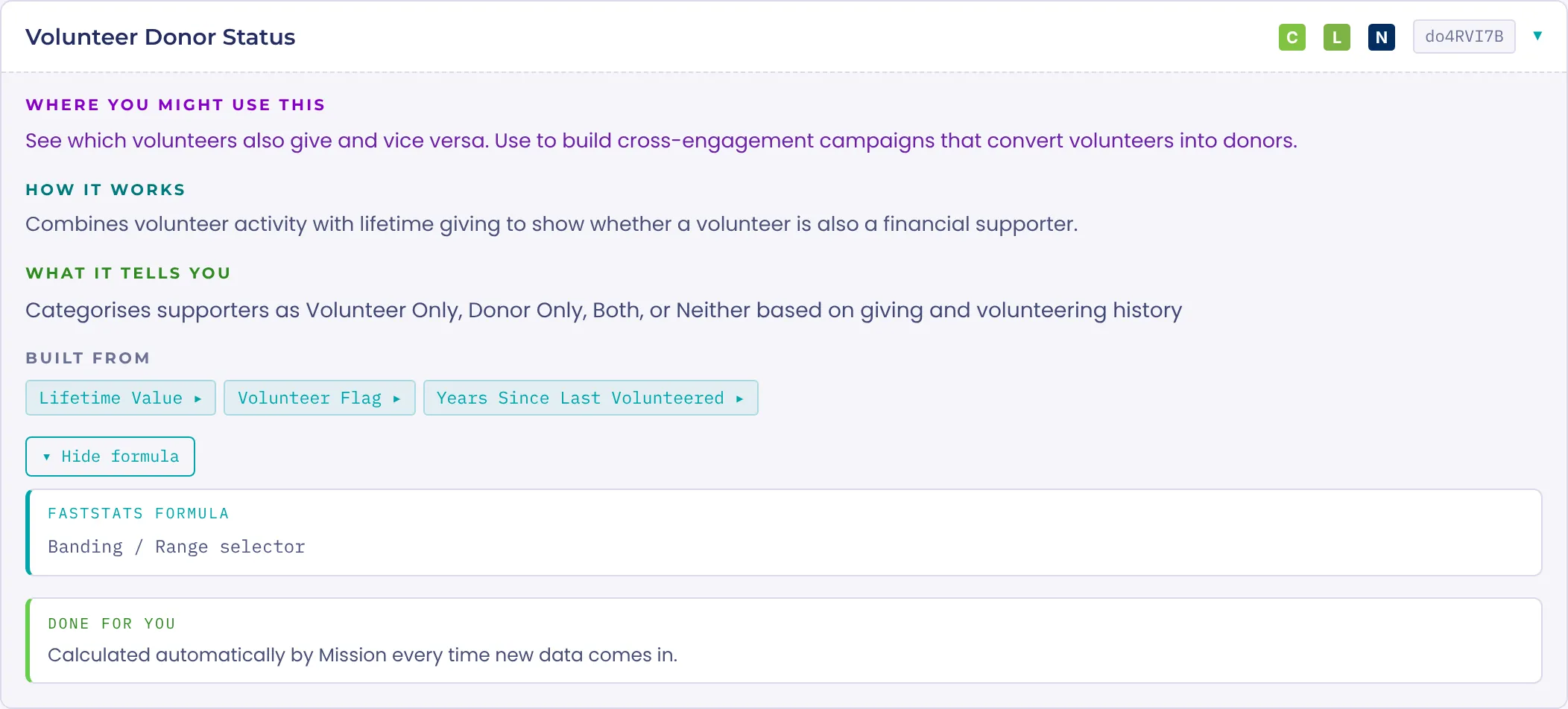
Volunteer Donor Status, as the Apteco Mission Field Guide shows it, with its formula.
Volunteer Donor Status Its card in the Field Guide, with the formula shown.
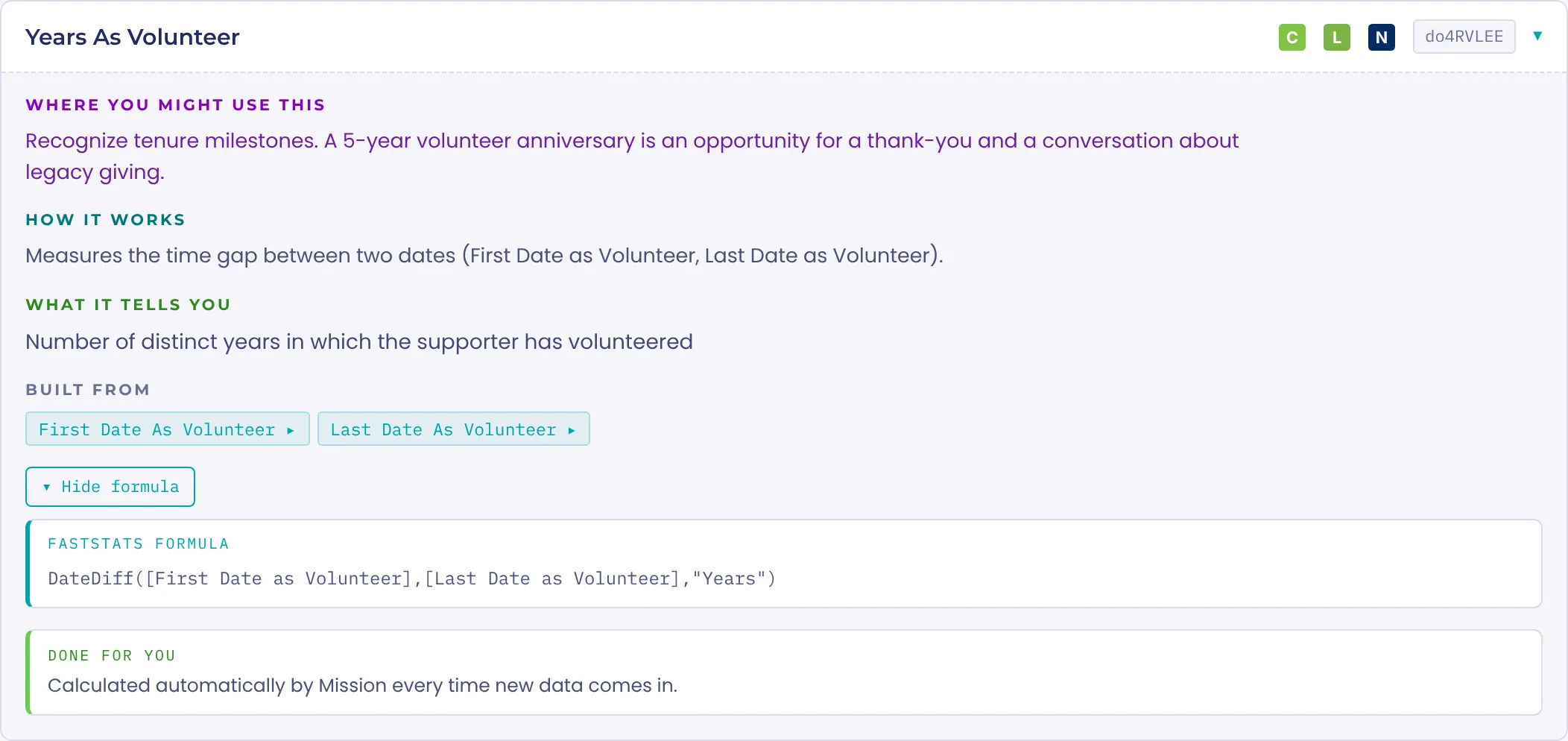
Years as Volunteer, as the Apteco Mission Field Guide shows it, with its formula.
Years as Volunteer Its card in the Field Guide, with the formula shown.
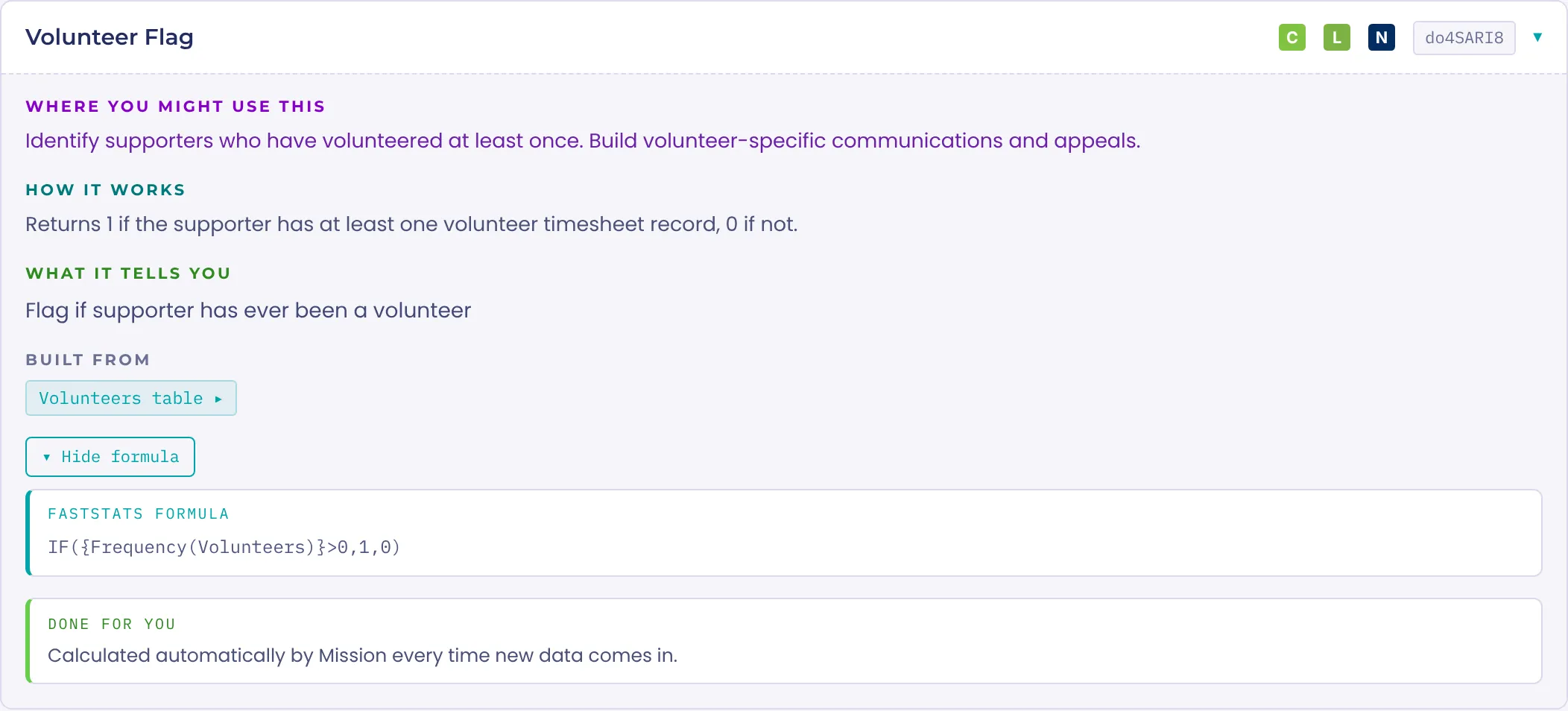
Volunteer Flag, as the Apteco Mission Field Guide shows it, with its formula.
Volunteer Flag Its card in the Field Guide, with the formula shown.

Questions people ask

What is an insight in Apteco Mission?

A field worked out for every supporter from the records you already keep, like gifts, events or volunteer shifts. You don't write the formula or keep it up to date: Mission recalculates it whenever new data comes in.

Can my CRM's data build these?

The Field Guide maps every insight to the fields each CRM keeps: CiviCRM, Raiser's Edge NXT, Salesforce, DonorPerfect, Bloomerang, Little Green Light, HubSpot and Givebutter. The marks on each card show which.

Where do I see them?

In the Field Guide, where you can search them all, and in Apteco Orbit, where they drive dashboards, audiences and campaigns.

Twenty minutes, from your own reports, not a slide deck.

See them on your data

You'll know by the end whether there's something here for you.

Schedule Time with an Apteco Architect