
Contact window status
Insight in Apteco Mission
Numeric score identifying a donor's current contact timing status relative to their personal peak giving month. This page also covers Contact Window Status.
Insight in Apteco Mission
Numeric score identifying a donor's current contact timing status relative to their personal peak giving month. This page also covers Contact Window Status.
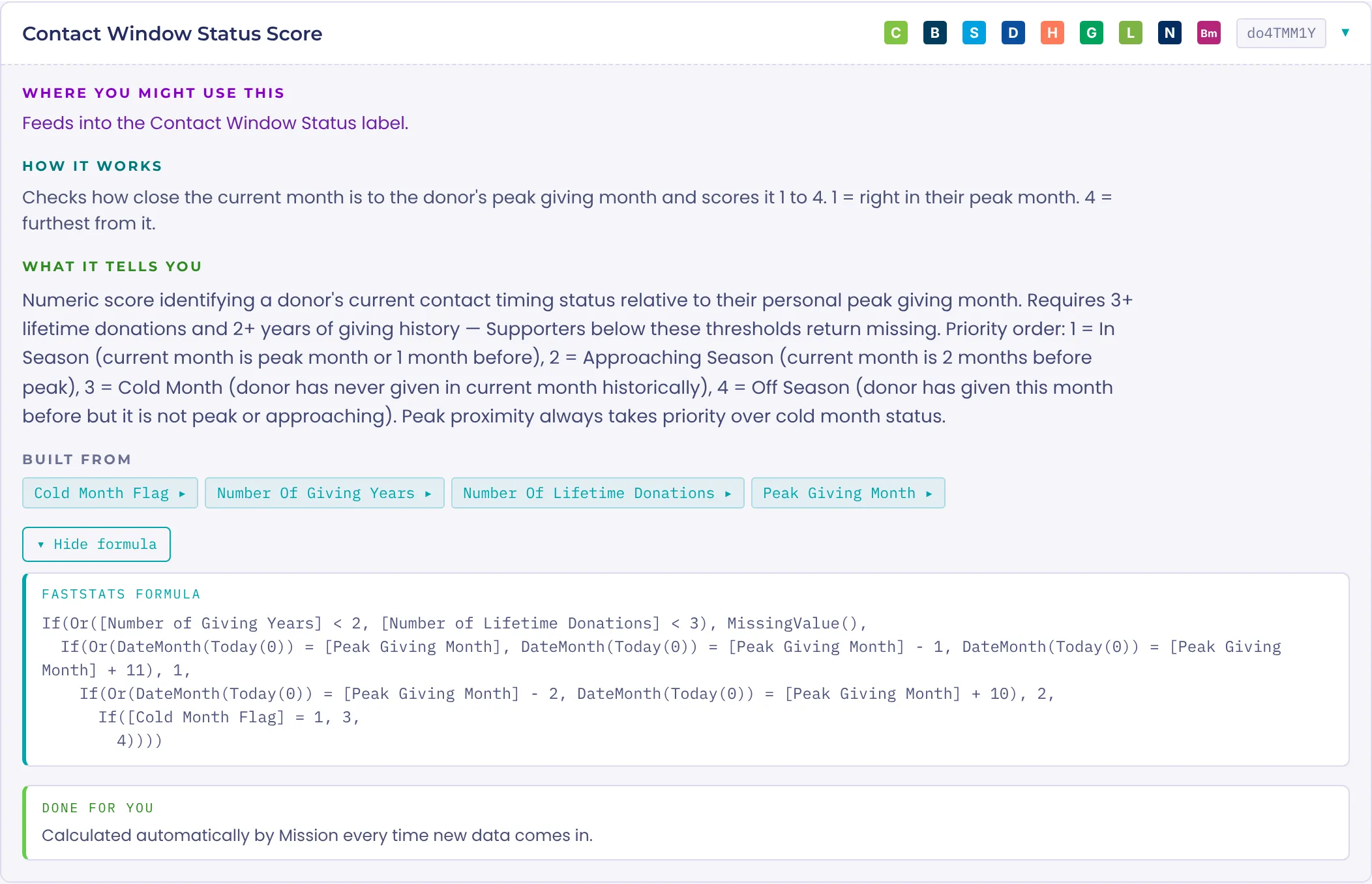
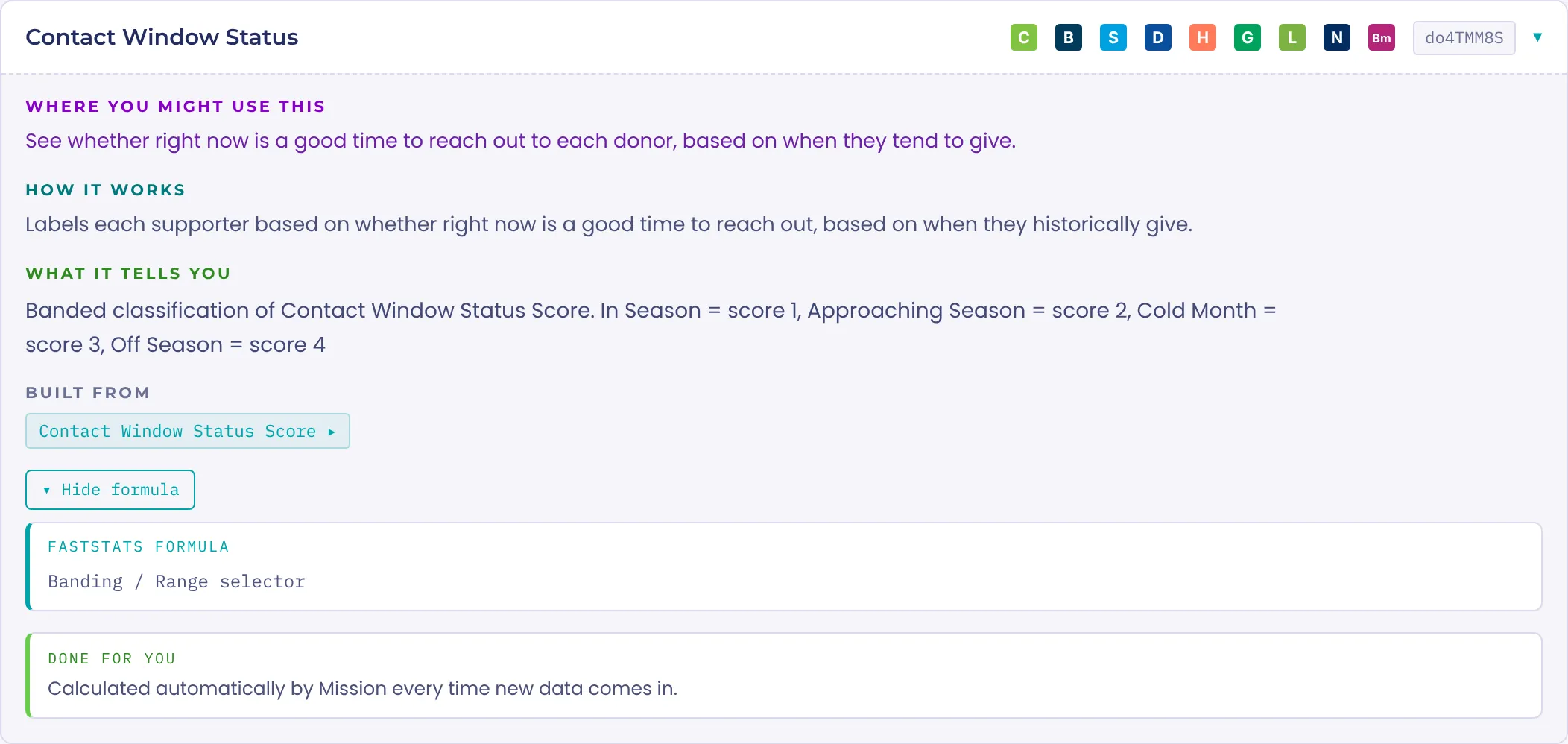
Numeric score identifying a donor's current contact timing status relative to their personal peak giving month. Requires 3+ lifetime donations and 2+ years of giving history — Supporters below these thresholds return missing. Priority order: 1 = In Season (current month is peak month or 1 month before), 2 = Approaching Season (current month is 2 months before peak), 3 = Cold Month (donor has never given in current month historically), 4 = Off Season (donor has given this month before but it is not peak or approaching). Peak proximity always takes priority over cold month status.
Checks how close the current month is to the donor's peak giving month and scores it 1 to 4. 1 = right in their peak month. 4 = furthest from it.
FastStats formula: . (If(Or([Number of Giving Years] < 2, [Number of Lifetime Donations] < 3), MissingValue(), If(Or(DateMonth(Today(0)) = [Peak Giving Month], DateMonth(Today(0)) = [Peak Giving Month] - 1, DateMonth(Today(0)) = [Peak Giving Month] + 11), 1, If(Or(DateMonth(Today(0)) = [Peak Giving Month] - 2, DateMonth(Today(0)) = [Peak Giving Month] + 10), 2, If([Cold Month Flag] = 1, 3, 4))))
Feeds into the Contact Window Status label.
No. Calculated automatically by Mission every time new data comes in.
Twenty minutes, from your own reports, not a slide deck.
You'll know by the end whether there's something here for you.
Schedule Time with an Apteco Architect