
Momentum score
Insight in Apteco Mission
Returns 1 if the donor's most recent gift is at least 25% above their lifetime average donation value, indicating an upward trend in giving capacity.
Insight in Apteco Mission
Returns 1 if the donor's most recent gift is at least 25% above their lifetime average donation value, indicating an upward trend in giving capacity.
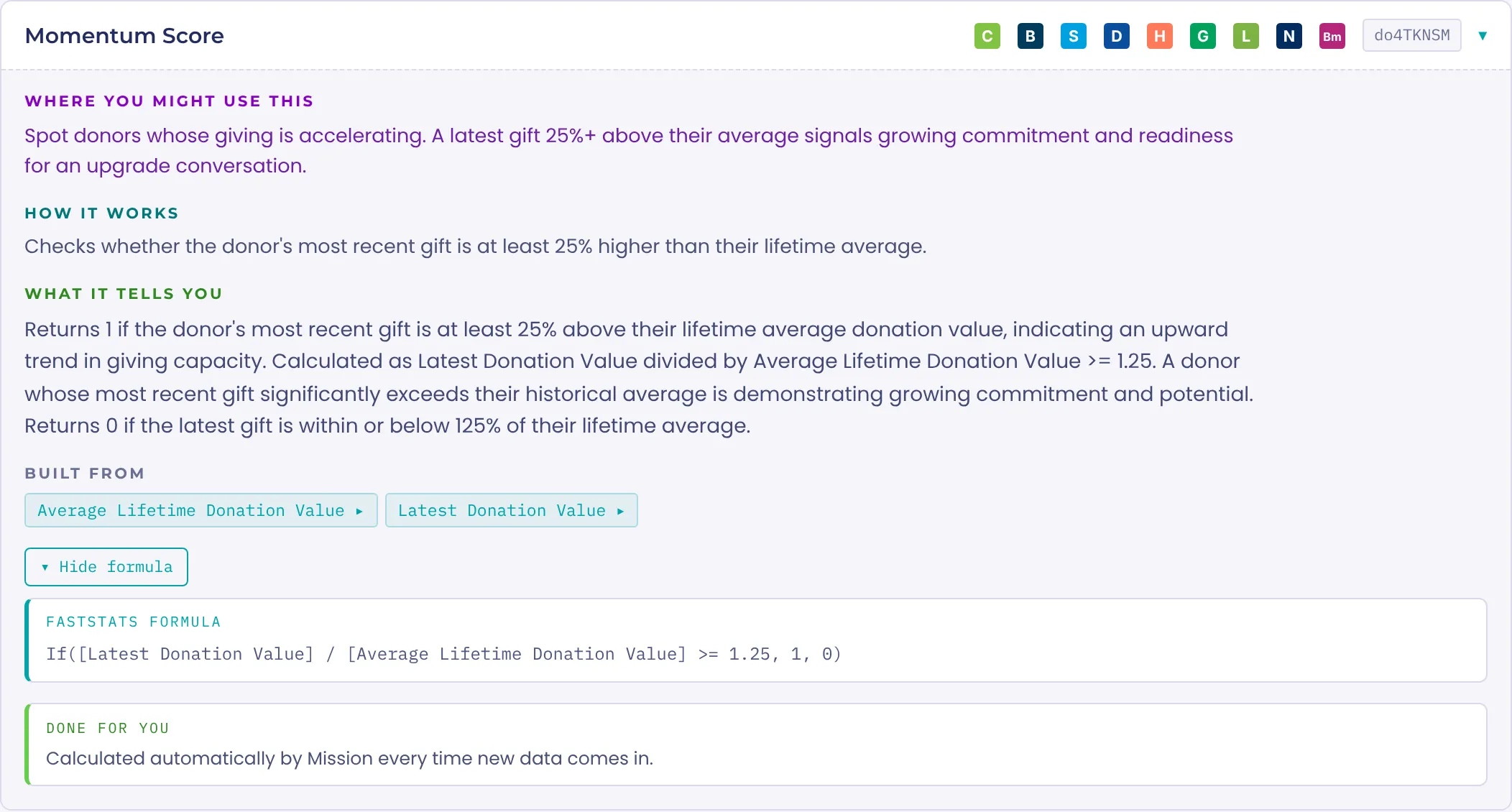
Returns 1 if the donor's most recent gift is at least 25% above their lifetime average donation value, indicating an upward trend in giving capacity. Calculated as Latest Donation Value divided by Average Lifetime Donation Value >= 1.25. A donor whose most recent gift significantly exceeds their historical average is demonstrating growing commitment and potential. Returns 0 if the latest gift is within or below 125% of their lifetime average.
Checks whether the donor's most recent gift is at least 25% higher than their lifetime average.
FastStats formula: . (If([Latest Donation Value] / [Average Lifetime Donation Value] >= 1.25, 1, 0)
Spot donors whose giving is accelerating. A latest gift 25%+ above their average signals growing commitment and readiness for an upgrade conversation.
No. Calculated automatically by Mission every time new data comes in.
Twenty minutes, from your own reports, not a slide deck.
You'll know by the end whether there's something here for you.
Schedule Time with an Apteco Architect