
Primary action: what to do next for each donor
Insight in Apteco Mission
Numeric score identifying the recommended action for each donor based on their highest scoring active signal in the Action Clock. This page also covers Primary Action Flag.
Insight in Apteco Mission
Numeric score identifying the recommended action for each donor based on their highest scoring active signal in the Action Clock. This page also covers Primary Action Flag.
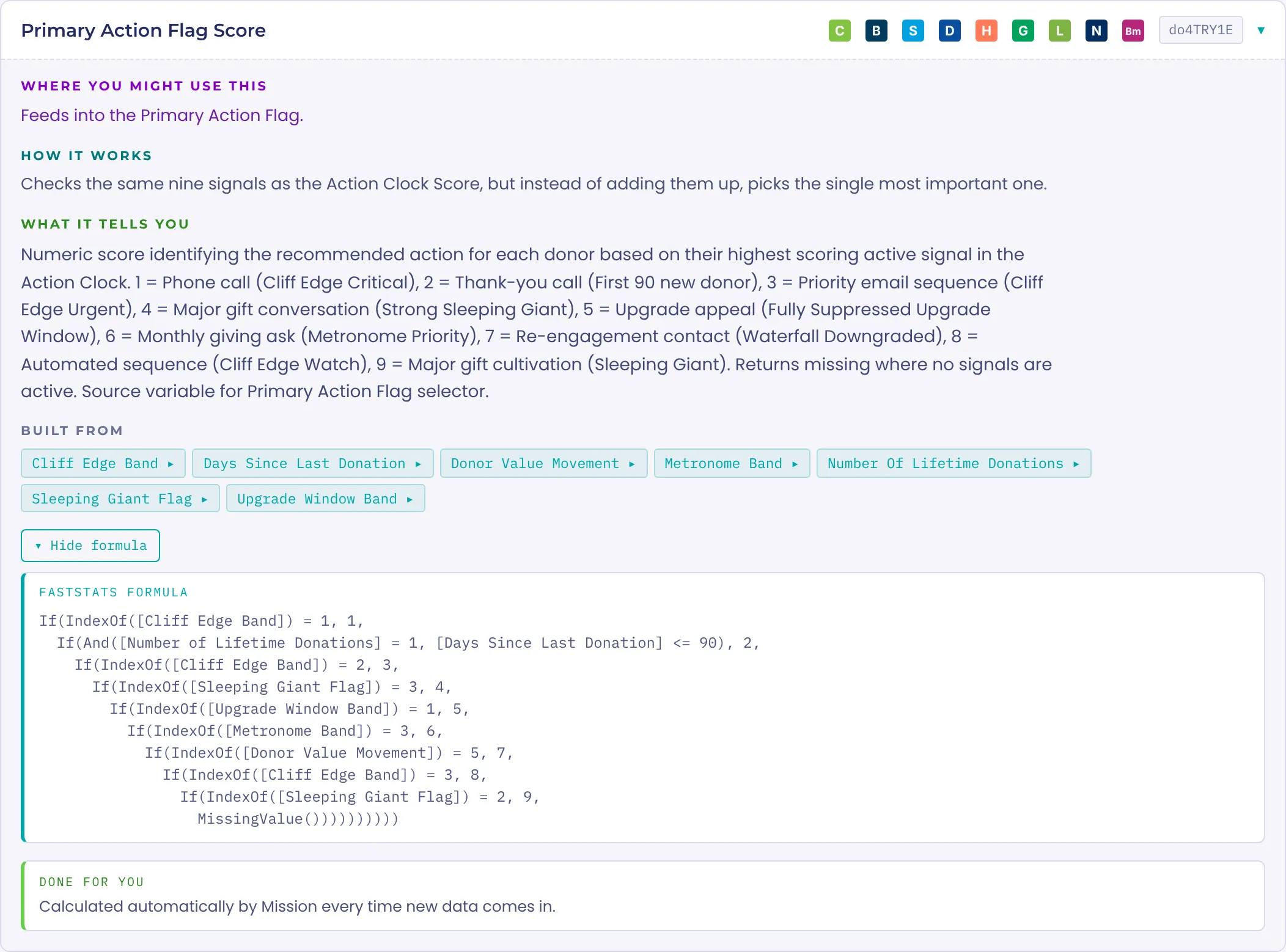
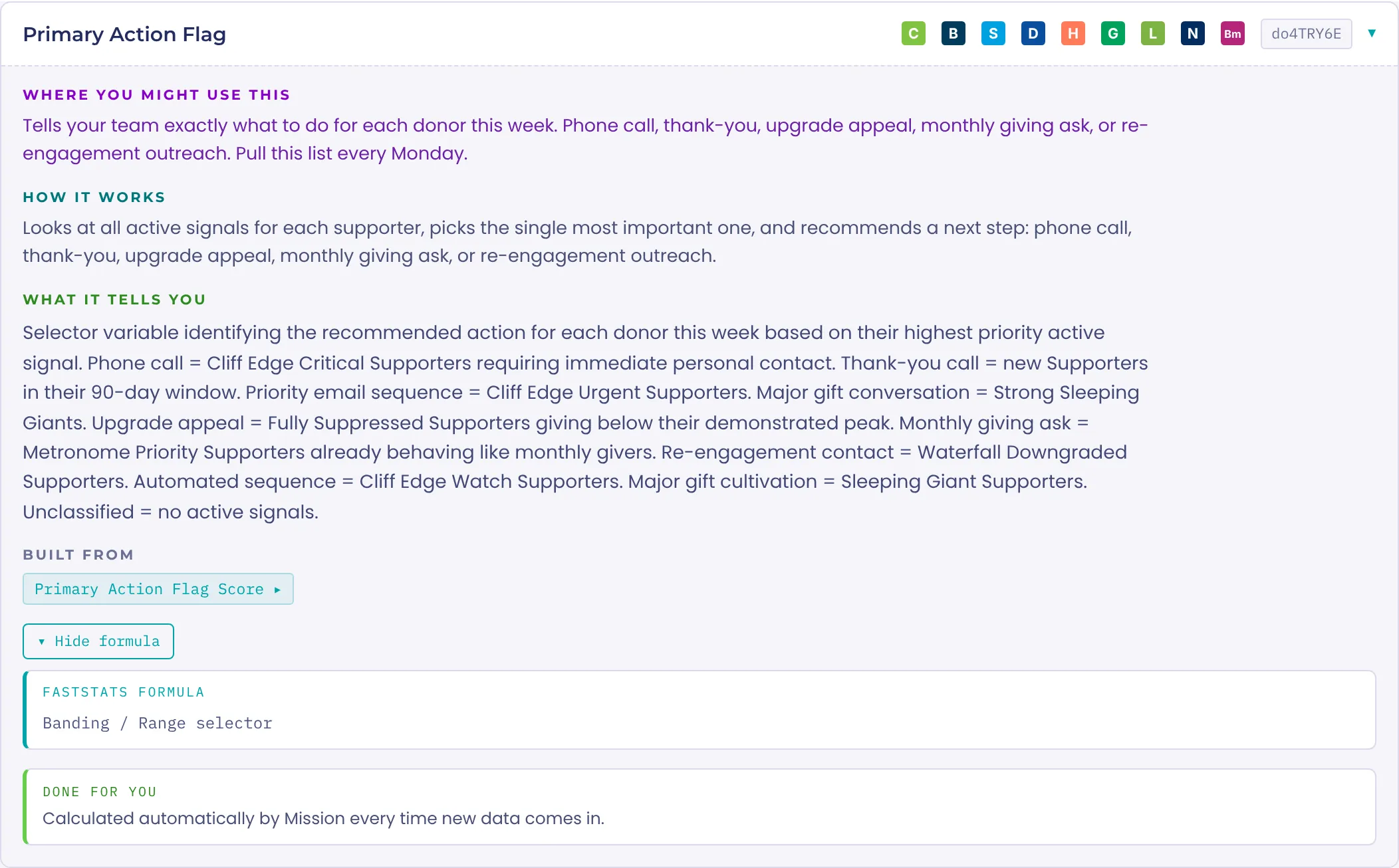
Numeric score identifying the recommended action for each donor based on their highest scoring active signal in the Action Clock. 1 = Phone call (Cliff Edge Critical), 2 = Thank-you call (First 90 new donor), 3 = Priority email sequence (Cliff Edge Urgent), 4 = Major gift conversation (Strong Sleeping Giant), 5 = Upgrade appeal (Fully Suppressed Upgrade Window), 6 = Monthly giving ask (Metronome Priority), 7 = Re-engagement contact (Waterfall Downgraded), 8 = Automated sequence (Cliff Edge Watch), 9 = Major gift cultivation (Sleeping Giant). Returns missing where no signals are active. Source variable for Primary Action Flag selector.
Checks the same nine signals as the Action Clock Score, but instead of adding them up, picks the single most important one.
FastStats formula: . (If(IndexOf([Cliff Edge Band]) = 1, 1, If(And([Number of Lifetime Donations] = 1, [Days Since Last Donation] <= 90), 2, If(IndexOf([Cliff Edge Band]) = 2, 3, If(IndexOf([Sleeping Giant Flag]) = 3, 4, If(IndexOf([Upgrade Window Band]) = 1, 5, If(IndexOf([Metronome Band]) = 3, 6, If(IndexOf([Donor Value Movement]) = 5, 7, If(IndexOf([Cliff Edge Band]) = 3, 8, If(IndexOf([Sleeping Giant Flag]) = 2, 9, MissingValue())))))))))
Feeds into the Primary Action Flag.
No. Calculated automatically by Mission every time new data comes in.
Twenty minutes, from your own reports, not a slide deck.
You'll know by the end whether there's something here for you.
Schedule Time with an Apteco Architect