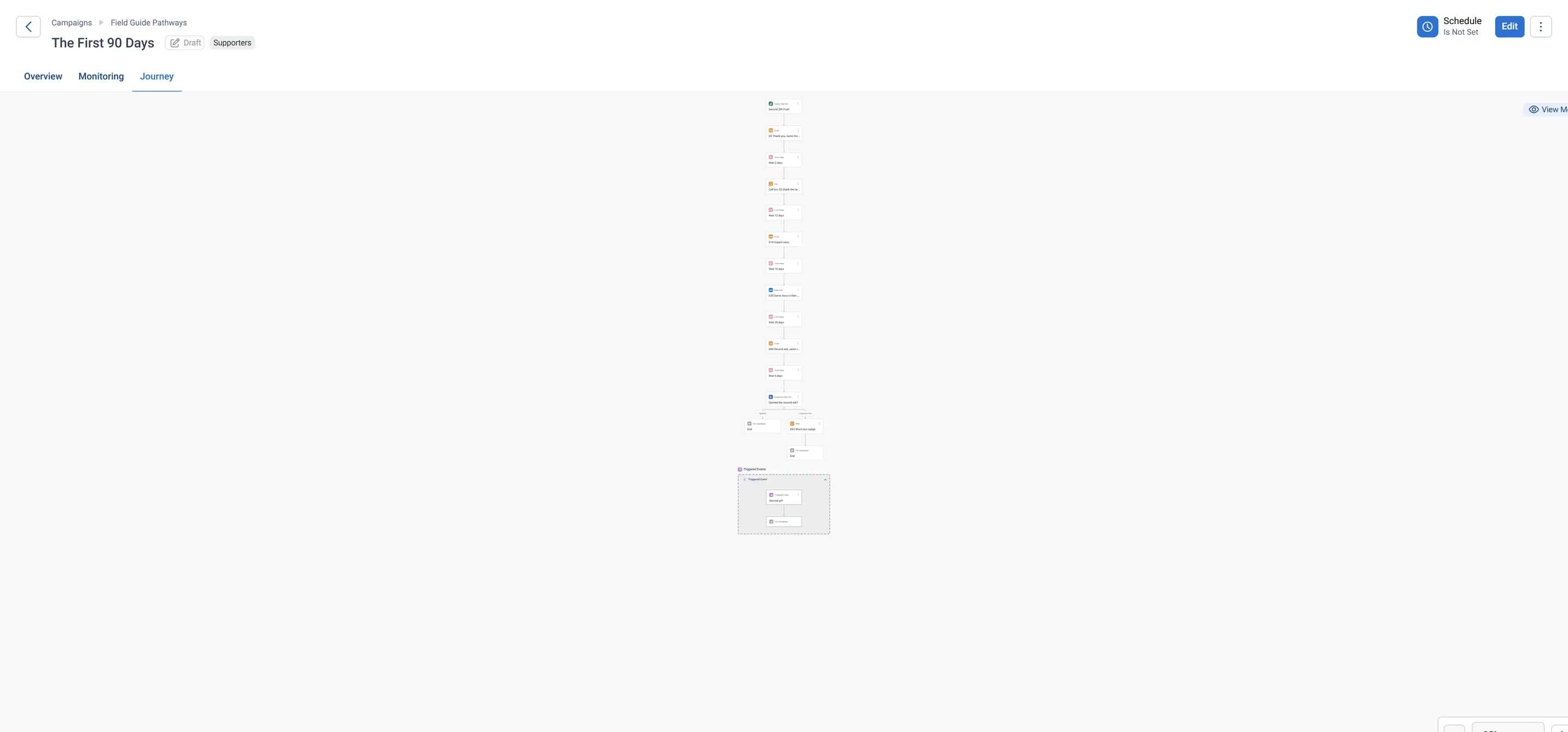
Apteco Mission joins your CRM and the places your supporter data lives into one record per person, beside your CRM. The First 90 Days pathway sends a thank-you automatically when a first gift lands, and calls your largest first gifts on day 2. That only helps if the data leaves your database often. So replace the one-off export with one that runs on its own: connect through your CRM's API, or schedule the same saved export each night or week.
Why exports fall behind. A manual export needs a person, a free afternoon and someone who knows the steps. When that person is busy or away, the file just gets older. Each export also comes out a little different, so the next step breaks. The data isn't old because the CRM is slow. It's old because the way out depends on one person's time.
Check what your CRM already offers. Many donor databases have an API, a door other systems use to read records directly. CiviCRM's API is its recommended way for an outside program to work with its data. Apteco hosts CiviCRM. Whatever CRM you use, ask your vendor which API or scheduled export your plan includes.
Start small. Pick the one list that hurts most when it's late, like new donors who need a thank-you call. Write down the fields it needs. Set up a connection or a scheduled export for just that list. Once it has run on its own for a month, add the next one.
Pull changes, not everything. A daily copy of every record is slow and easy to break. Ask for the records created or changed since the last run, with the CRM's own ID on each one. Keep a log of each run, so someone notices when one fails. Set it up so the next run picks up where the failed one stopped.
Send it somewhere it gets used. Fresh data helps most when it is joined to the other places supporters show up, like your giving page, events and email. Apteco Mission reads those beside your CRM and keeps one record per person. Then The First 90 Days pathway can start from a gift that has just landed, and the thank-you does not wait for someone to import a file.