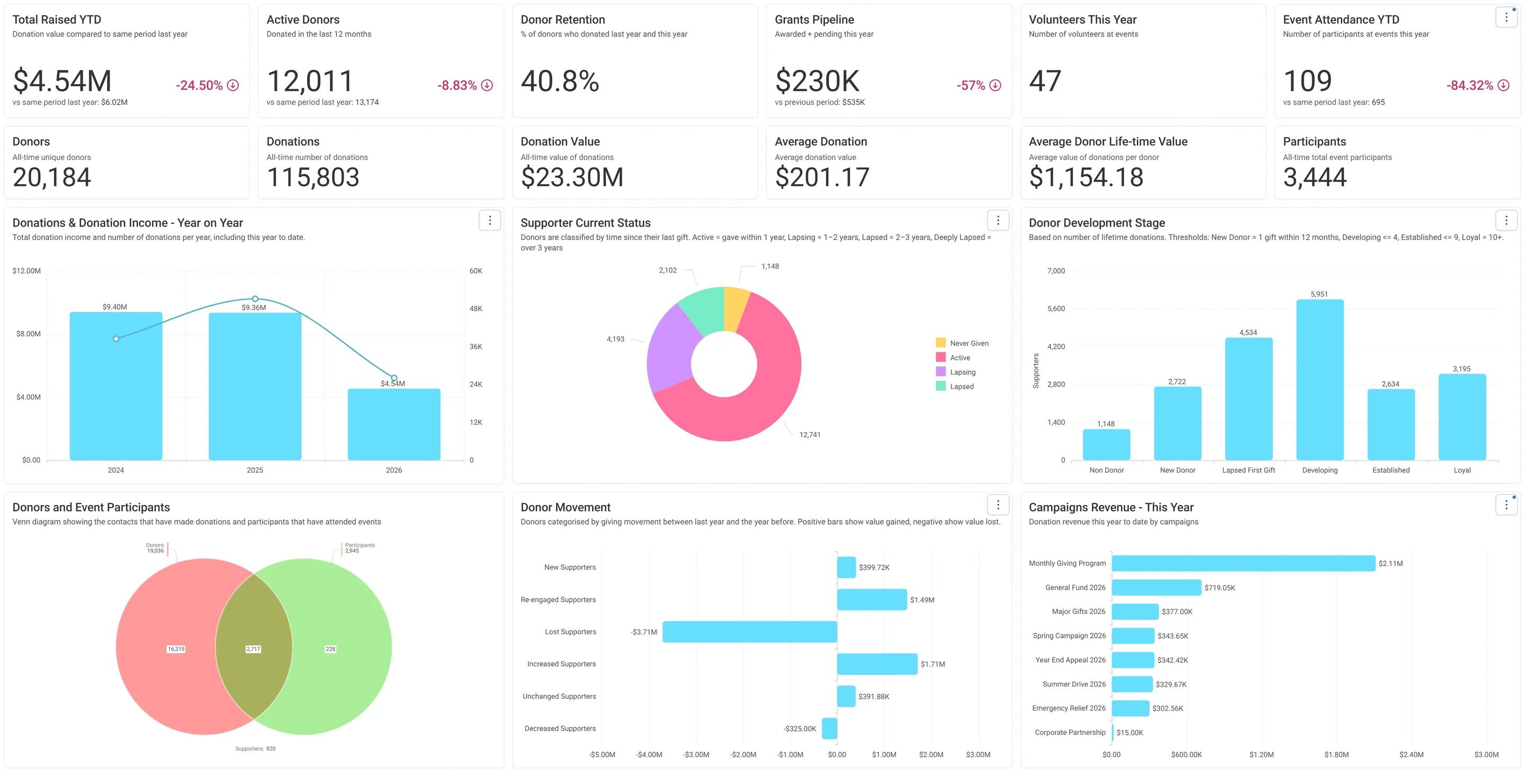
Apteco Mission shows who gave less, by name. Its Charity Overview dashboard adds up each supporter's giving last year and the year before. The page says the gap between the two is each supporter's change in giving, and that Giving Trend marks donors as Downgraded when their latest gift is below 75% of their average. To do the same by hand, put two equal periods side by side and list everyone whose total fell.
Use the sector's words. The Fundraising Effectiveness Project calls these downgraded donors: people whose giving fell compared with a previous period. Upgraded donors gave more. Lapsed donors gave nothing in the current period. Keep the three apart. A donor who gave less is still giving, and needs a different note from one who stopped.
Build the list in any CRM. The steps are the same everywhere. Choose two periods of the same length that don't overlap. Total each donor's gifts in each. Subtract. Sort by the biggest drop. Many CRMs have a report for this, so check yours before you build it from scratch.
Check before you call it a drop. Look at each name's whole record. Did a gift come from a spouse or a family foundation, and land on another record? Did they give through a platform your CRM doesn't see? Did a monthly card fail? The FEP's Q1 2026 report notes that giving through third-party or corporate platforms, when it isn't credited to the person, can move the numbers without showing up. Your own records can hide gifts the same way.
Then talk to them. Start with the donors whose giving fell the most, and those who have given for many years. Thank them for what they still give. Ask how they are, and what changed. Don't ask for more in the same call. Listen for the reason: a job change, a new cause, or a gift that went somewhere you didn't record. Each answer tells you the next step.
Ask them to come back up. The Upgrade Ask pathway starts from supporters whose largest gift is more than double their most recent one. Apteco Mission shows what each one could give if they returned to their peak gift. It joins donations from your CRM and online giving platforms into one record per person. The page says to make an ask anchored to the previous peak.