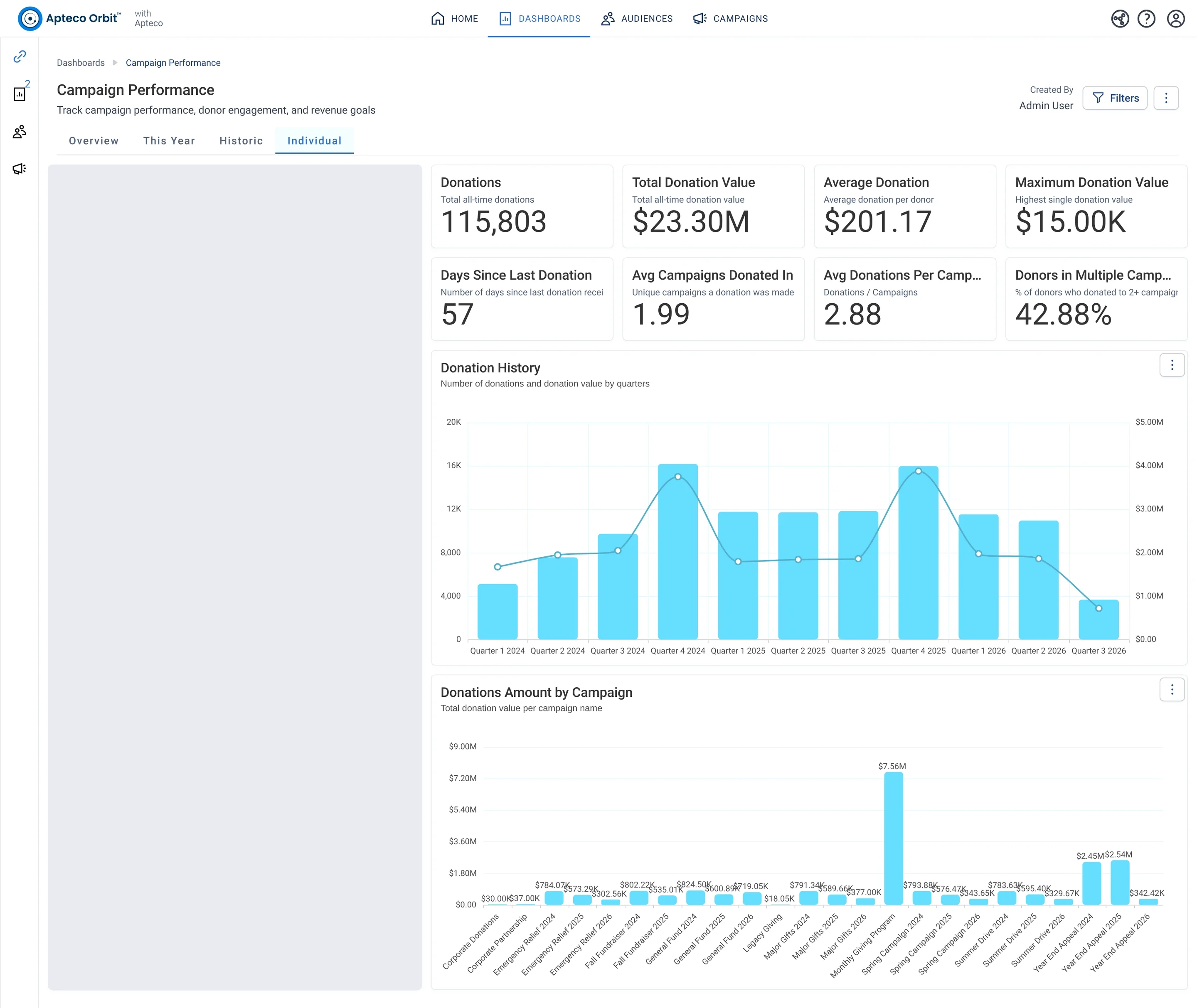
Apteco Mission picks up after gift entry. Its Campaign Performance dashboard links each gift to its campaign, so each campaign has a result. Email results often stay in the email tool and gifts stay in the CRM, and then no one can say which appeal worked.
Roll out gift entry in small steps. Turn it on, give the right people access, enter a few real gifts, and test each batch before it processes. Start with one team and one kind of gift. Add more once that group enters gifts cleanly.
Know how the tool works first. Salesforce's Trailhead lesson on tracking gift transactions says a gift entry does not become a gift record until it is processed. An entry that is not in a batch is processed when you save it. A gift batch groups entries so they can be processed together.
Use the dry run. The same lesson says you can test a batch before you process it. Open the batch, click Batch Dry Run and wait a few minutes. If no error appears, the entries are ready. Every entry has to process without errors for the batch to succeed. So train staff to fix errors on the day, not at month end.
Plan the people side. Someone on your team has to own the setup: who can enter gifts, which fields show on the form, and how donors are found. Trailhead's lesson says an admin can set how users look up donors, by name or by another ID. Decide that before staff start. Give staff and volunteers who only enter gifts a simple layout with just what they need. Keep one admin account for changes, and ordinary user accounts for everyone else.
Then run a pilot. Pick a week. Enter that week's gifts in the new tool and compare them with your bank deposits. Fix what does not match. Write down the steps in plain words for the next person.
Before the pilot ends. Ask your admin whether each gift carries its campaign, so Mission has a campaign to link each gift to. If running Salesforce is more than your team wants, Apteco hosts CiviCRM, a nonprofit CRM. We run the updates and support your team (Is CiviCRM hard to run?).