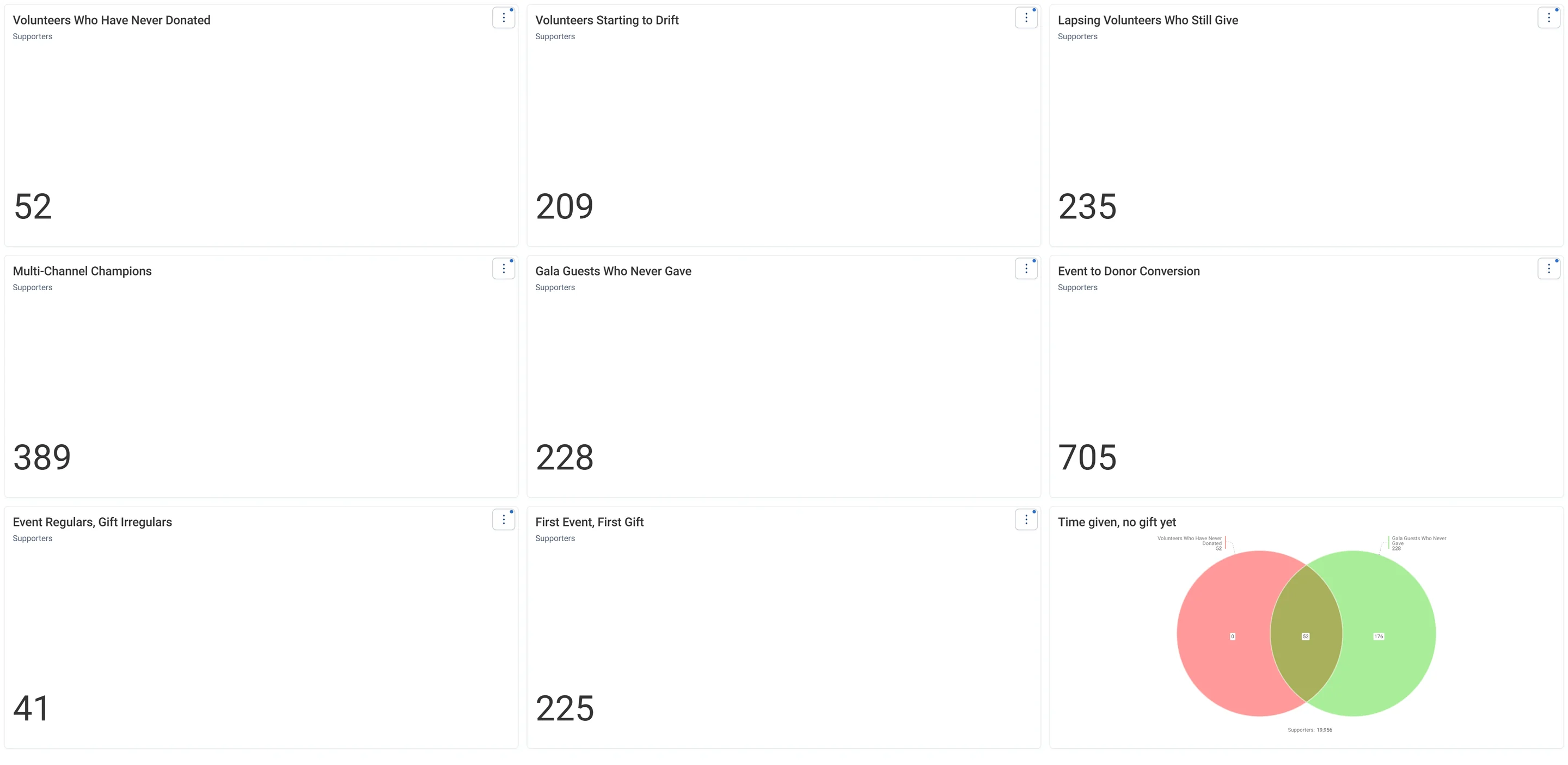
Apteco Mission joins volunteer timesheets, which often sit in a separate platform or spreadsheet, to your donor records beside your CRM, one record per person. So its Volunteers Who Have Never Given pathway can answer "which volunteers have never given?" without a single system holding both. If you mainly need to know who volunteered, when and for how many hours, the module in your donor database is often enough. If you run many shifts or need self sign-up and check-in, add a volunteer tool.
Start with the work, not the software. List what your volunteer team does: sign-ups, shift schedules, reminders, check-in, hours, screening, training, thank-yous and reports. Volunteer Canada's Canadian Code for Volunteer Involvement makes a good checklist. Its ten standards cover screening, orientation and training, support, recognition, and a record for each volunteer kept in a secure system. Its screening standard says checks should match the risk of the role, and may include a police records check. Mark which tasks the module handles today, and which still live in a spreadsheet or a binder.
What modules in donor databases do. They keep volunteer time on the same record as gifts, and some go further, with sign-up forms, timesheets and hours reports for grant applications. CiviVolunteer, an extension for CiviCRM, adds sign-up, shifts and logged hours; its page lists it as a work in progress. (Apteco hosts CiviCRM.) A module is a fair choice for a charity already on that system, because time and money stay in one place.
What separate volunteer tools do. These are built for the volunteer team first: shift calendars, self-scheduling, reminders, check-in and sometimes background checks. A tool like this suits a big program with many shifts. The cost: unless it syncs, each volunteer now lives in two places.
Three signs the module is not enough. Your coordinator keeps a spreadsheet beside it, because the module can't handle shifts. Volunteers can't sign up or check in without staff typing it in for them. Or screening dates and training records live in a binder, not on the person's record. One of these is enough reason to look at a volunteer tool. But ask your current vendor first. As above, some sell a volunteer add-on or connect to one.
Keep one record per person either way. If volunteers sit in a separate tool, the question "which volunteers have never given?" can't be answered in either system alone. Check that the tool can send hours back to your donor database, or that something joins the two. Apteco Mission does that join, beside your CRM. If you would rather have one CRM, Apteco hosts CiviCRM.