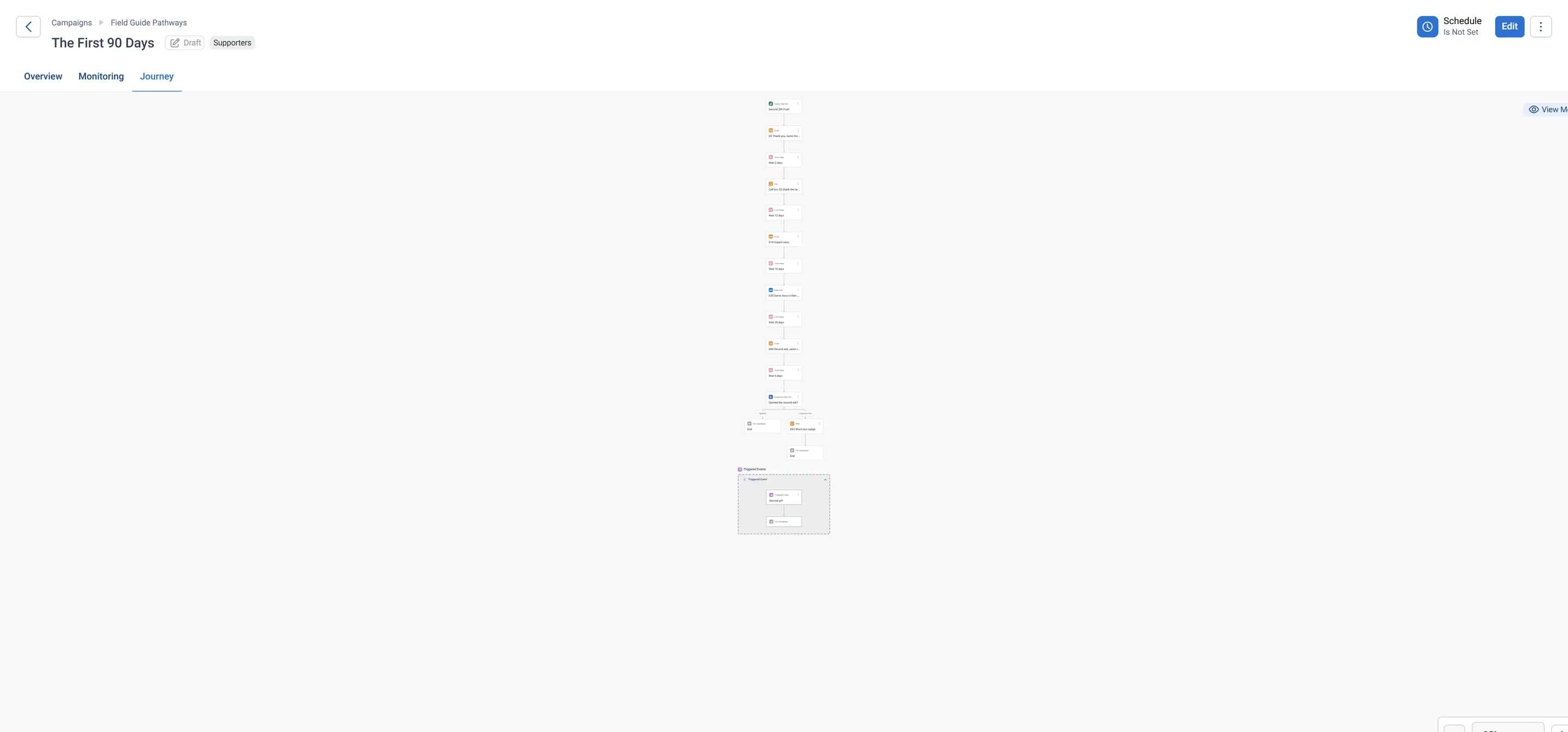
Apteco Mission's The First 90 Days pathway sends a thank-you when a first gift lands, then asks for a second gift. That only works when you know who gave. A wish-list giver is often a new supporter you can't name yet, so finding out who they are is the first job. Keep the wish-list tool if it works for you; the point is to get the giver onto a record.
Assume the store may not tell you who gave, and build your own way to find out. Ask donors to put their name and email in the gift note, and link a short "tell us you gave" form from the list. When a box arrives, log what came, the date, the note and a fair value. Match the giver to their record in your CRM, and record an in-kind gift, kept apart from cash. Then thank them like any other donor. If wish lists bring in a lot, use a wish-list tool that collects donor details for you.
Why the names go missing. A store's wish list is built for shopping, not for donor records. In an Amazon Business case study about one charity's wish list, Amazon says no donor information was provided to the charity. Boxes arrived with only a slip of paper, and new supporters could not be added to the CRM (Amazon Business). A gift note can carry a name, but only when the donor writes one.
Ask donors to tell you. Put two lines at the top of your list. "Please add your name and email in the gift note." And "Tell us you gave, so we can thank you," with a link to a short form. The form asks for their name, email, what they bought and the date. It also asks if they'd like to hear from you. Put the same link in every post or email that shares the list.
Log every box the day it arrives. Keep one simple log: the date, the items, the name in the gift note and a fair value. Then match each line to the form answers and to your CRM, by name and email. Record each matched gift as in-kind, on the donor's own record, with the wish list as the appeal. Keep in-kind gifts apart from cash, so your cash totals stay true. Boxes with no name still go in the log, so you know what the list brought in.
Receipts come from the same record. In the US, the IRS says a written acknowledgment for a gift of $250 or more must describe a non-cash gift, but not give its value (IRS). In Canada, the CRA says the amount on a receipt for a non-cash gift can't be more than its fair market value, and the receipt needs a brief description of the item (CRA checklist). Either way, you can only send one when you know who gave.
When a wish-list tool is worth it. If wish lists are a big part of your giving, a tool built for charities can collect donor details at checkout. In the same case study, the charity moved its list to OneEach's Mindful Giving. Donors buy from the charity's own website and get a thank-you email with tax language right away. The order data can be exported as a CSV file and imported into a CRM (Amazon Business). Compare tools on what each one passes to you: names, emails, item values and consent.
However the gift arrives, one person can give in more than one way. A wish-list donor may also give cash, volunteer or come to events. If those sit in multiple places, Apteco Mission sits underneath your CRM and those places, and joins them into one record per person. Then the person who sent a box of supplies isn't a stranger when they give again.