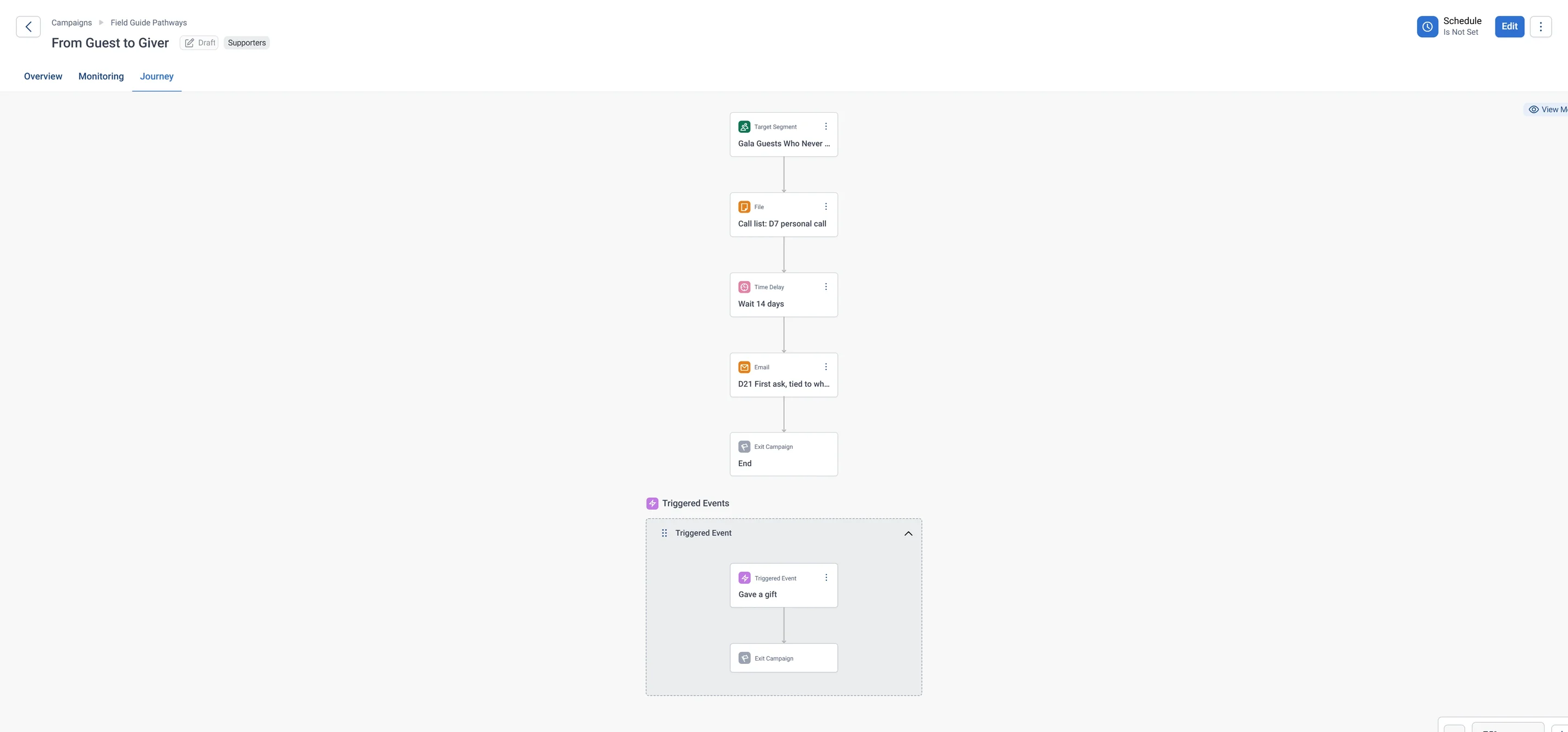
Apteco Mission puts your event guests beside your donors. Its From Guest to Giver pathway starts with supporters who came to one or more events but have never given, and the page says they just haven't been asked the right way yet. Do not judge an event by the night itself: a gift may come a year or two later, so follow your guests over a longer stretch. To rank them, use your own past guests as the guide. Mark who went on to make a gift. Compare what those people did before they gave with what the others did.
First, get guests onto real records. You can't rank a guest who is only a line on a sign-in sheet. Bring every event's guest list into your CRM, matched to the record each person already has, by email first, then name and address. Mark who came, not only who paid. Keep tickets apart from gifts too. one guide to donor retention advises leaving ticket purchases out of your retention rate, so a guest who only bought a seat isn't counted as a donor yet.
Why the CRM misses it. The pathway page says attendance often lives in a ticketing tool, a box office or a paper sign-in sheet, so the CRM never learns which guests came. Apteco Mission joins participants and donations into one record per person, beside your CRM. Its Event Insights dashboard lists a table of guests who also donate.
Signals worth testing. Look at what guests did at and around the event. Did they come more than once? Did they buy for others, or host a table? Did they give, bid or add an extra on the night? Trellis, which makes event fundraising software, advises watching the guests who take part in upsells, like adding a donation to a ticket, and thanking them first. Also check whether they volunteer or came with someone who already gives.
Test them on your own history. Not every signal works for every charity. For each one, compare how many past guests with that signal went on to give against how many without it did. Keep the signals that clearly make a difference. Drop the ones that don't. A small charity can do this in a spreadsheet once a year. A larger one can build a simple score from the signals that work.
Act while the night is fresh. Rank this year's guests who have never given by how many signals they show. Send everyone a thank-you the next day, with a photo or a story from the night. Call the top of the list in the first week. Ask for a first gift a few weeks later, tied to what they saw. The Mission pathway does the same: a thank-you the day after, a personal call from the host at day 7, and a first ask at day 21 tied to what they saw.