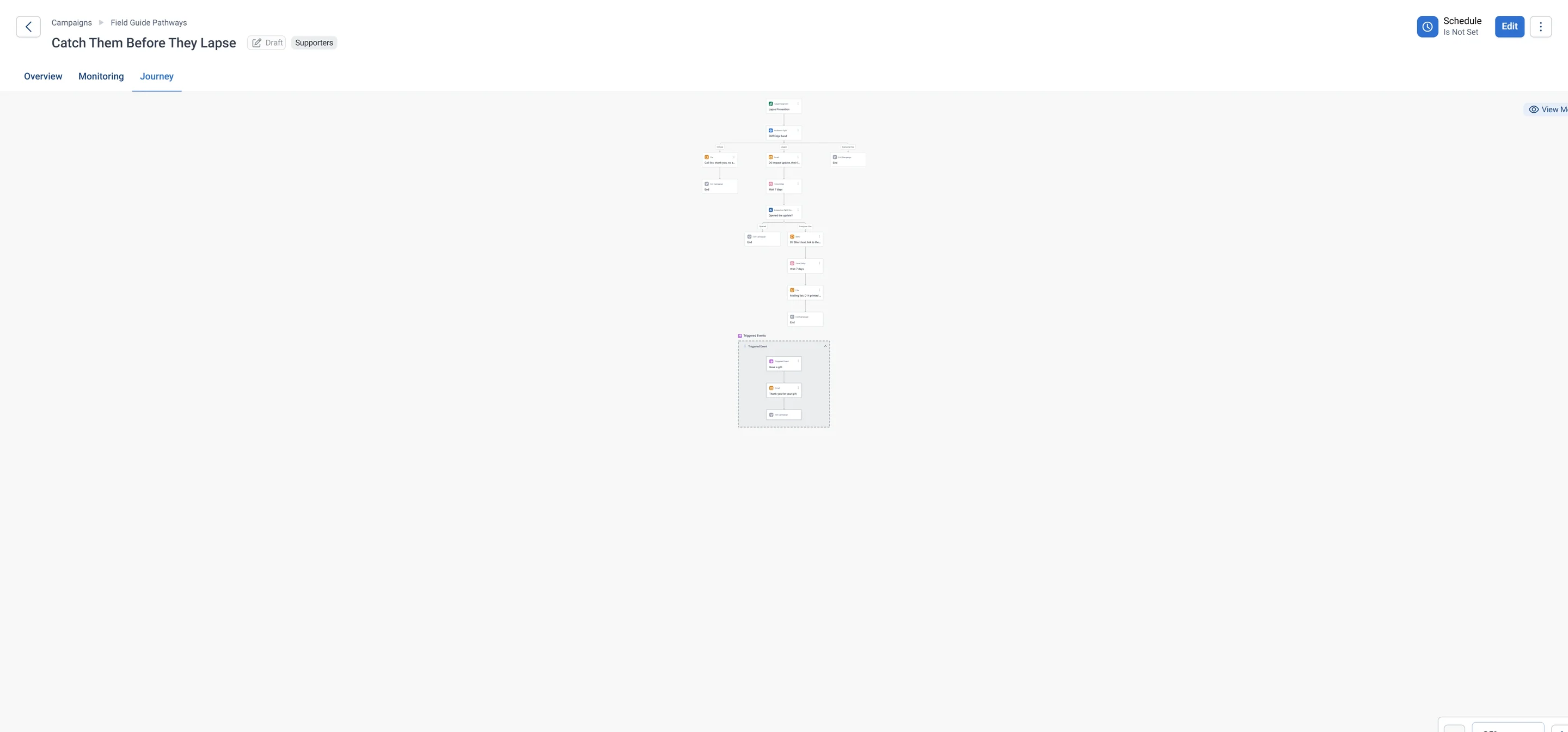
Apteco Mission takes the data from your CRM by file or through an API and leaves the CRM as it is. One report on every migration list is who has gone quiet, and its Catch Them Before They Lapse pathway reads each supporter's own giving rhythm to say when they are slipping, not one rule for everyone. So pull the lapsed list from your old CRM, and know that this kind of list can be built from gift data. Do the full export first, comms history and gift history included, so nothing is lost.
Keep a full, untouched export first. Then pull the reports that prove the move worked and keep your fundraising running: giving totals by year, fund and appeal; donor counts and retention; open pledges and recurring gifts; lists of donors who gave last year but not this year; do-not-contact lists; and your receipt records. After the move, run the same reports in the new CRM and check that they match. Any gap is something that didn't come across.
Start with a full export. Neon One's guide to donor data migration says to export an untouched master copy of your old database and pause new manual data entry, so late gifts aren't lost. It also says to compare the new database against the original to find gaps. Save the export as plain files your team can open without the old system.
Reports that prove the totals. Giving totals by year, by fund and by appeal. The number of donors who gave each year. Your top donors' lifetime totals. Pick a few real donors you know well, and print their full giving history. These are your answer key. If a total is off after the move, you know where to look.
Reports that keep fundraising going. Open pledges, with the balance still owed. Recurring gifts, with the amount and the next payment date. Donors who gave last year but not this year, and donors who gave in an earlier year but not this one. Your retention rate by year. A move can take weeks, and these donors shouldn't wait while it happens.
Lists that protect people. Do-not-contact and do-not-mail flags. Email opt-outs. Deceased records. Anonymous donors. People who told you about a gift in their will. Check that every one of these flags comes across. A missed flag can mean writing to someone who asked you to stop.
Records the tax rules ask for. In Canada, the CRA says a charity keeps copies of its donation receipts for two years after the year of the gift, and its financial statements and source documents for six years. Records kept on a computer must stay readable on a computer. Export your receipt register for those years, and keep it where you can open it.
The three columns you already export. Mission can start small. Send three columns from your donation file: supporter ID, gift amount and gift date. Instant Insights builds from them, and per our pricing page it is free for life on your own data. The same three columns belong in your untouched export, so one file can serve both jobs.