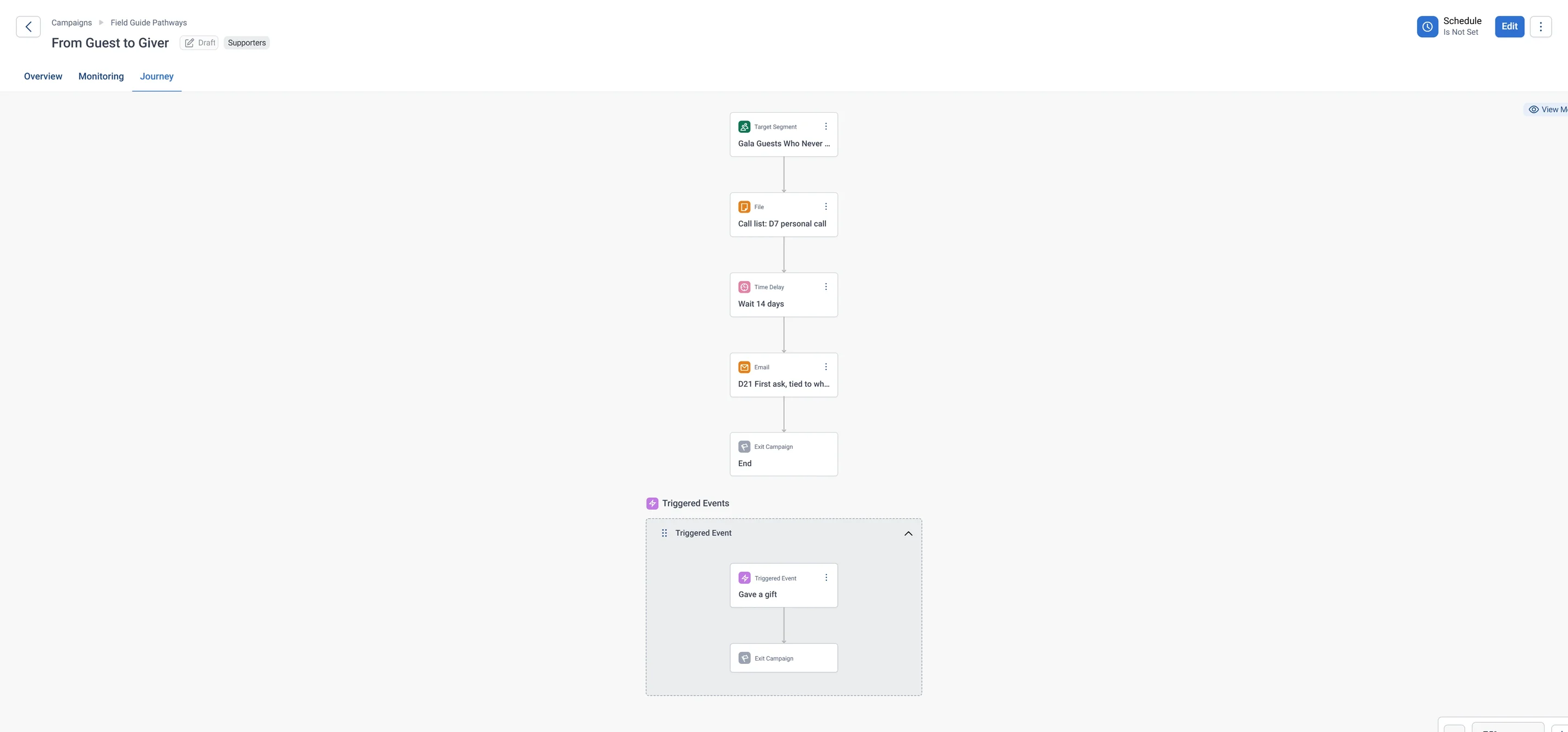
Apteco Mission is built for the problem behind this question: one guest ending up as two records. It joins your event files and your CRM data into one record per person, beside your CRM. Its From Guest to Giver pathway starts from event participants and gifts, so a guest who has never given is easy to spot. Your CRM stays the filing cabinet where records are entered. Mission is where you ask questions of them afterwards.
For a clean move, match every guest to the record they already have before anything goes into Raiser's Edge NXT. Export the file from OneCause. Clean it in a spreadsheet. Match each person. Import people first, then gifts, into a batch someone checks before it posts. A guest who buys a ticket with a work email can become a second record for a donor you already know.
Before the event. Agree the campaign, fund and appeal each ticket, sponsorship, auction win and donation will carry in Raiser's Edge NXT, before the first ticket sells. Ask for an email at sign-up. Blackbaud's own help on duplicate records says its matching leans mostly on names, and that adding an address, email or phone makes matches more accurate.
Export and clean. Zeidman Development, which makes the Importacular plug-in for Raiser's Edge, describes the OneCause export as Reports, then View Reports, then Exports. In the spreadsheet, aim for one row per person. Split first and last names. Give each kind of item its own column: ticket, sponsorship, auction win, donation.
Split each ticket. A gala ticket is part gift and part dinner. In the US, the IRS says a payment over $75 that buys goods or services needs a statement with a good faith estimate of their value. Only the rest is a gift. The IRS example: $100 for a concert ticket worth $40 is a $60 gift. Record both parts, so each receipt is right.
Match, then import. Look each person up by email first, then by name and address. Mark each row with their constituent ID, or as new. Import constituents first, then gifts. Importacular's own page says importing constituent, address and gift data with it is free, and that it can load gifts into a gift batch. Check the batch total against OneCause's own total before you commit it.
After the event. Raiser's Edge NXT has a Duplicate management screen. Blackbaud's help page says it catches near-matches, typos included, and names imports as one way duplicates get in. Run it the week after every event. Then record who came, not only who paid. Mission can do the same joining for you: it takes data from your CRM and other places by file or direct connection and matches it into one record per supporter.