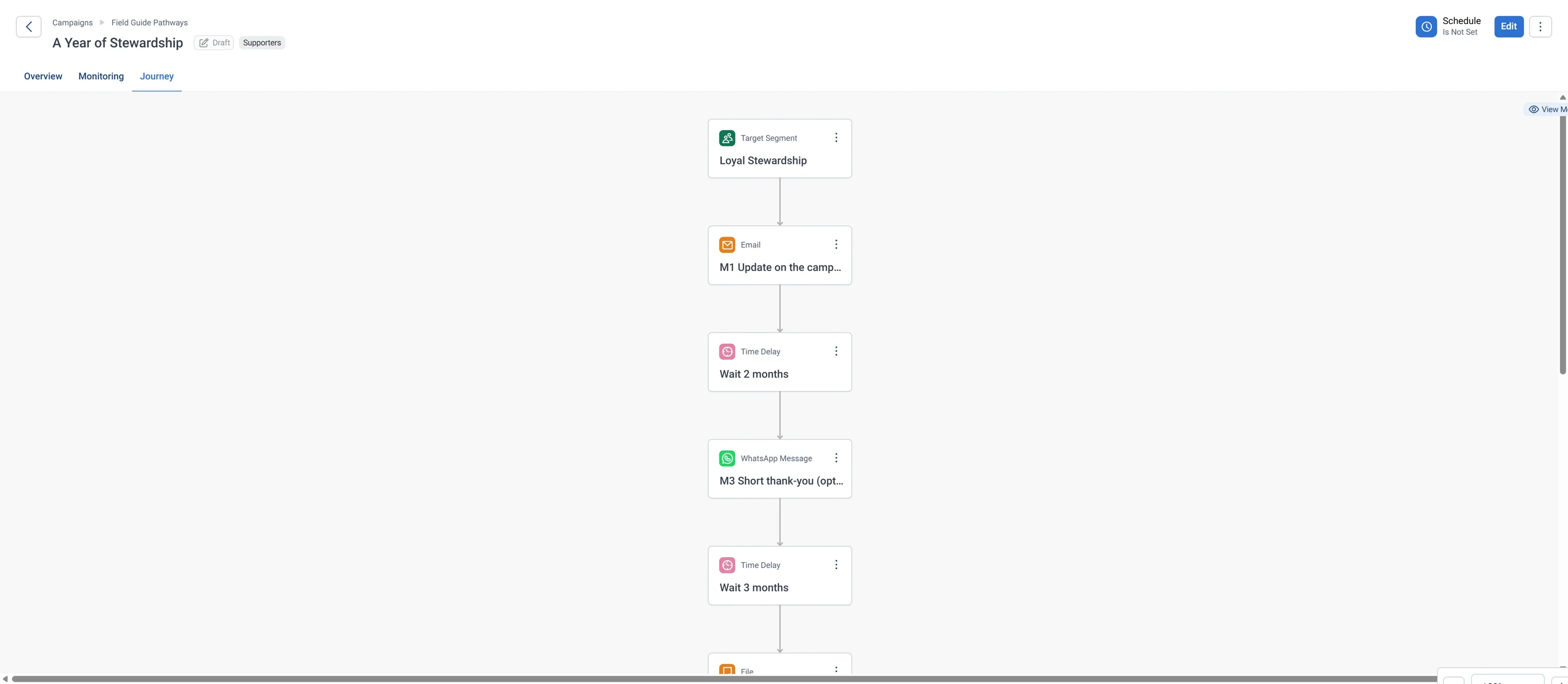
Apteco Mission picks up after the letter. Its A Year of Stewardship pathway plans an update email, a text on WhatsApp or SMS, a printed card and a call for loyal supporters across a year. The letter itself is the CRM's job. Your CRM records gifts and prints receipts (Apteco FAQ). So let it print the thank-you letters too.
The straight answer. Yes. Keep a few letter templates with merge fields. On set days, pull every gift not yet thanked, print them in one batch, sign them, and mark them as thanked. Before any of that, check that each gift from your giving platform reaches the CRM with a name, address, amount and fund. If those are missing, every letter needs fixing by hand.
Start where the gift lands. After a move, a gift may start in the giving platform and then reach the CRM. A letter can only be as good as what arrives. Make a test gift and check what comes across: the greeting, the mailing address, the amount, the date and the fund. Fix the mapping once, not on every letter.
Use a few templates. Start with a handful: a first gift, a repeat gift, a monthly donor, and a larger gift that also gets a personal note. Preview a batch before you print. Fewer templates are easier to keep right.
Set a rhythm and close the loop. Pick the days you print each week, and keep them. Pull the gifts not yet thanked, print, sign and mail. Then mark each gift as thanked, with the date, so no one gets two letters or none. If a gift is missing from the batch, check whether it reached the CRM at all.
Put the required words in once. In the US, a donor needs a written acknowledgment for a gift of $250 or more. It must give your organization's name and the amount, and say whether the donor got anything in return (IRS). In Canada, an official donation receipt needs, among other things, your CRA registration number and a unique serial number (CRA). Build these into the template, so no one types them each time.
Then keep thanking. A letter is one thank-you. Each Monday, pull the list of who needs a handwritten one, print the letters and finish them by hand. Cards, calls and invitations often sit in a spreadsheet, apart from the gift history. Apteco Mission's stewardship pathway keeps them with the gift history, so nobody sees only half of a supporter's year (see the pathway).