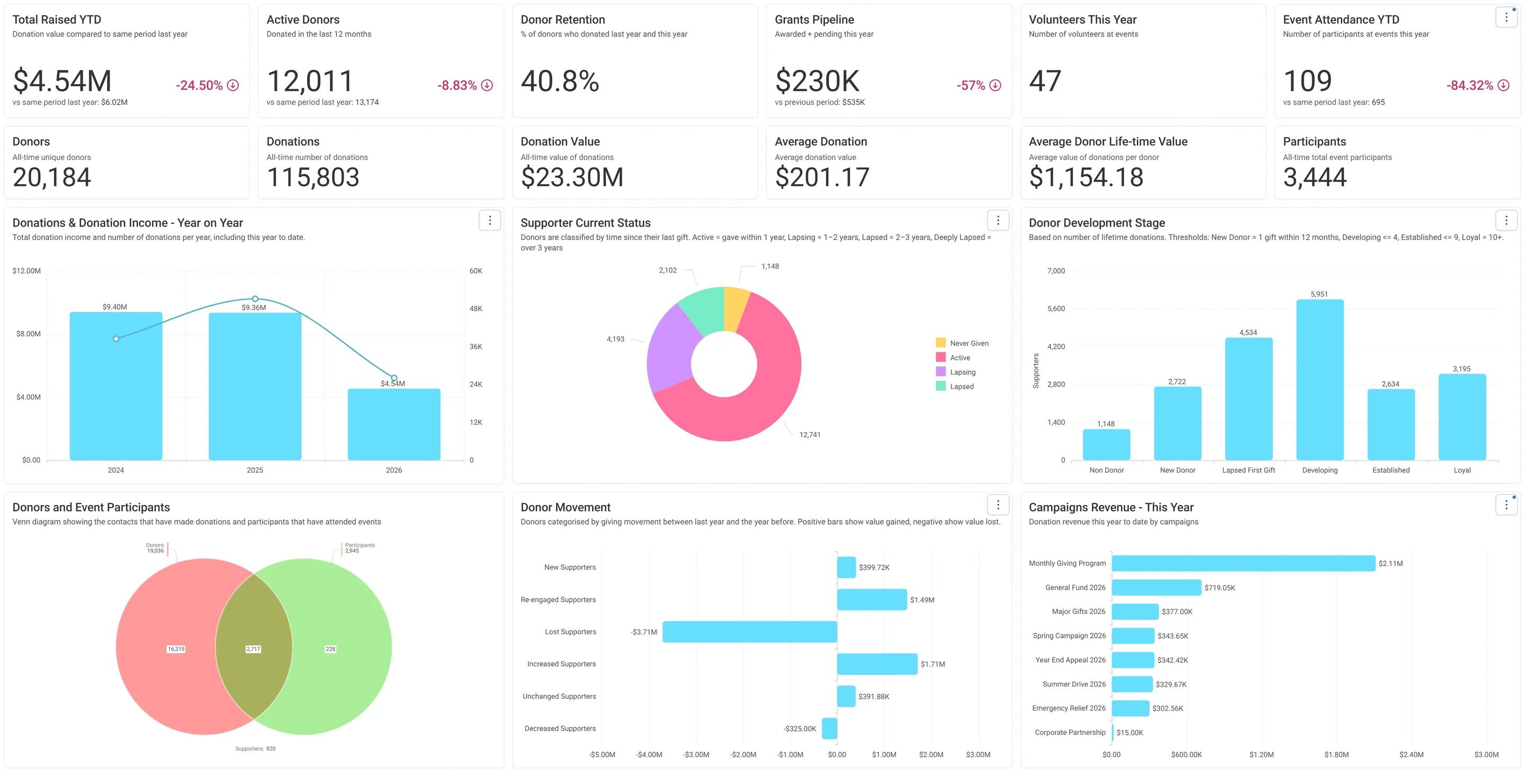
Apteco Mission is where your team asks questions of your data, so your CRM can stay the filing cabinet where gifts and records get entered, and not everyone needs a key. Mission shows your board, staff and volunteers the same numbers with no seat fees, per the data FAQ. It reads your CRM's tables and leaves the CRM as it is, per the replace-my-CRM answer. A board member who only wants a number then has no reason to hold delete rights. The Charity Overview dashboard is a good place to look: a board reads its Summary tab as a quick health check of the whole charity.
Now the filing cabinet itself. Give every person their own login, and give each login only what that person's job needs. Keep full admin rights to one main admin and one backup. Most staff only need to add and edit records. They don't need to delete, merge, bulk delete or import. Then keep a backup you have tested, so a mistake can be undone. This protects your data far better than one shared admin login that everyone uses.
One login per person. With a shared login, you can't tell who changed what, and you can't take access away from one person. If seat fees push you to share, look at systems priced by records, and ask which ones include unlimited users. Turn on two-step verification for every login. The UK's National Cyber Security Centre (NCSC) calls it one of the most effective ways to protect online accounts.
Few admins. The NCSC advises reserving administrator access for when it is needed. In a CRM, an admin can usually do everything. Name one main admin and one backup admin, so you are never locked out when someone is away. Everyone else gets a standard role.
Keep the risky tools with admins. Four actions can remove or overwrite records in one go: deleting, merging, bulk deleting and importing. Check what your system lets a standard user do, because a default role can be wider than you expect. Ask your vendor how to switch these off by role. Leave them with your admins, and ask staff to flag duplicates for an admin to merge.
Know your safety net. Find out what happens after a delete, and ask your vendor how long a deleted record can be got back. Then keep your own backup. The NCSC says to back up the data you need to operate, keep it somewhere safe, and check that you know how to restore it. A monthly export of contacts and gifts, kept where only admins can reach it, is a simple start.
Review access. When someone leaves, turn off their login that day. The NCSC warns that unused accounts often stay active without anyone noticing, and suggests reviewing access every few months. Put a short review in your calendar each season: who has a login, who is an admin, and who still needs one. If you would rather not run the admin side yourself, Apteco hosts CiviCRM for $5,000 a year for hosting and system admin, and everyone on your team can log in. With Apteco Mission, the two cost $15,000 a year.