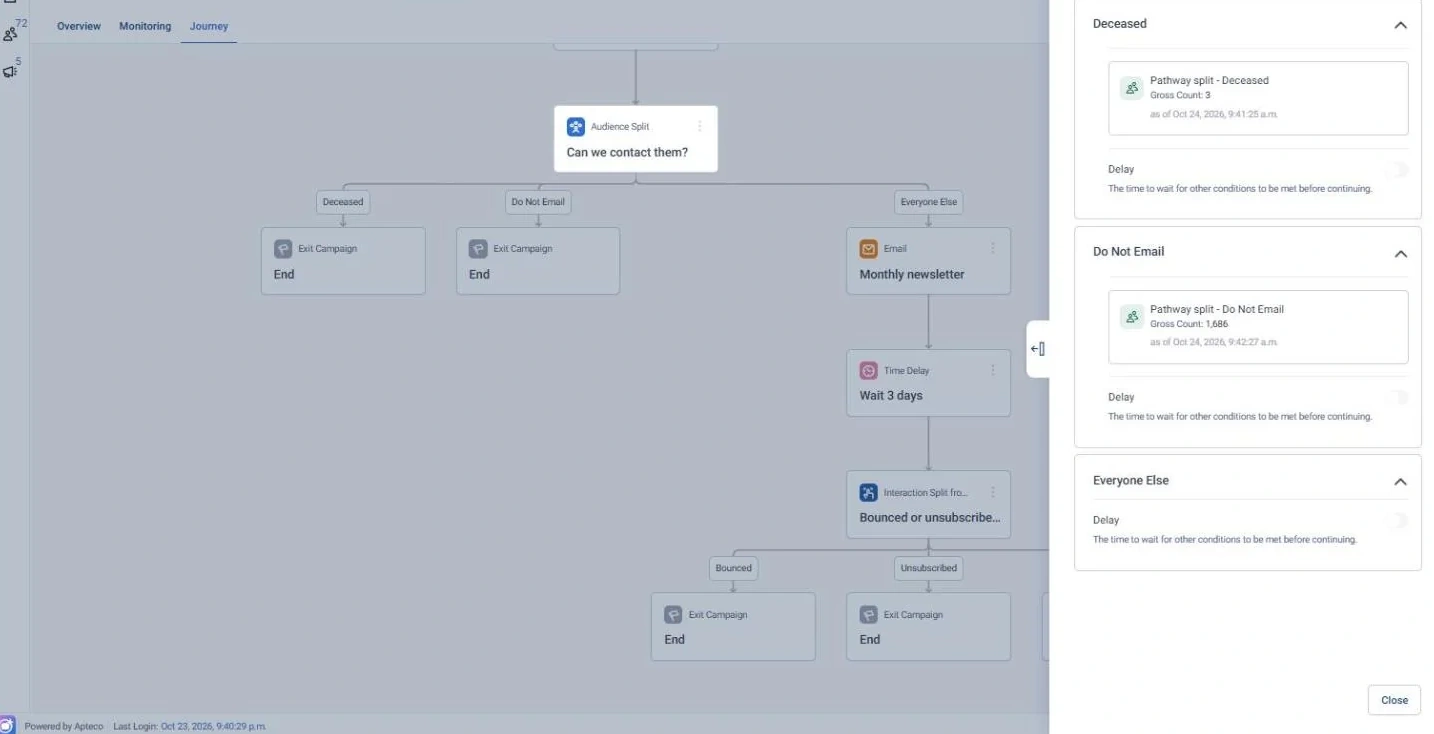
Apteco Mission has built-in identity resolution. When data flows in from your CRM, donation platform, event system and email tool, it joins it into one profile per supporter (How Duplicate Records Kill Donor Retention). So the person your form split in two can count as one in your lists, while you clean up. The Clean and Considerate Communications pathway also keeps one record per person, so nobody gets the same email twice from two teams. Mission does not stop your form from making a record. To do that, learn what your form matches on, clean up, turn on a review step, and check after every download.
Why forms make duplicates. A donor types a new email, a nickname or a typo. The form can't find her, so it makes a new record. Some systems create a new record when several existing records match and they don't know which one to update. So each duplicate you already have makes the next one more likely. Clean up the duplicates you have first.
Learn your form's matching rule. Each system does this its own way. CiviCRM uses its "unsupervised" rule for online donation, event and membership pages. That rule is strict on purpose, so it doesn't join two different people. Ask your vendor which fields your form compares and what it does with a near-match.
Turn on a review step. Some systems let a person look at online gifts before they go into a batch, and mark a possible duplicate. If your system has a step like this, use it. If it doesn't, give one person a short weekly check of every new online donor.
Make the check a habit. Check for duplicates before a mailing and after imports and online form downloads. The first time through, flag the doubles and don't merge anything until you have looked at them. Then merge, and back up first. Also hold back anyone who got an email in the last month, so a double you missed does not get the same ask twice. Apteco Mission can then keep matching data from your CRM and giving platform into one record per supporter (Does Apteco Mission replace my CRM?). When two records are really two people, mark them "not a duplicate" so they stop coming back. When a donor tells you she uses two emails, note both on her record.